


EV Charging Stations
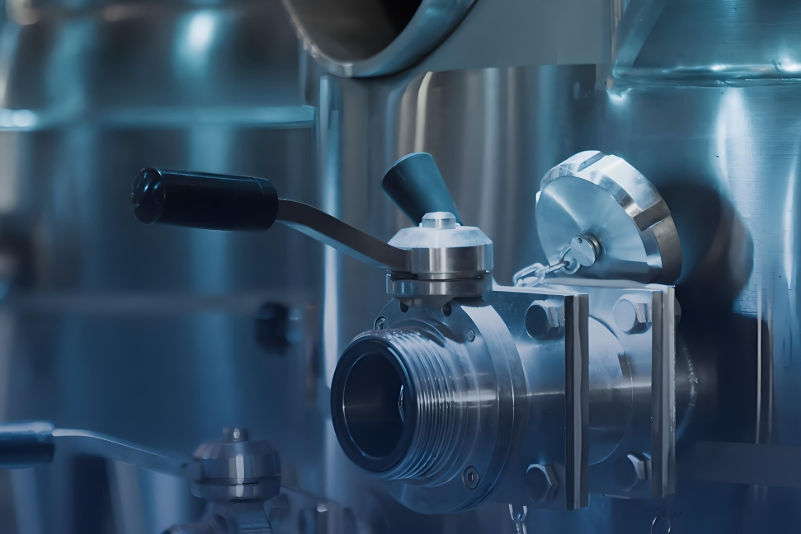
Filtration for Power Equipment
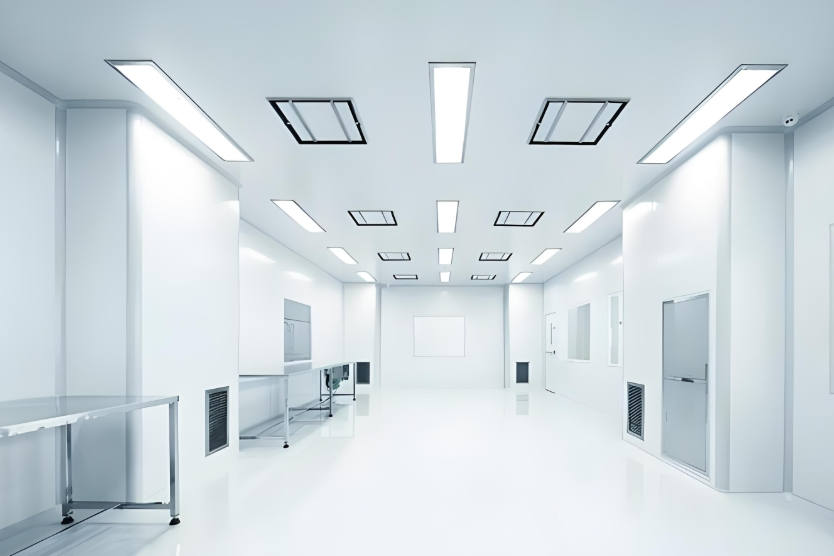
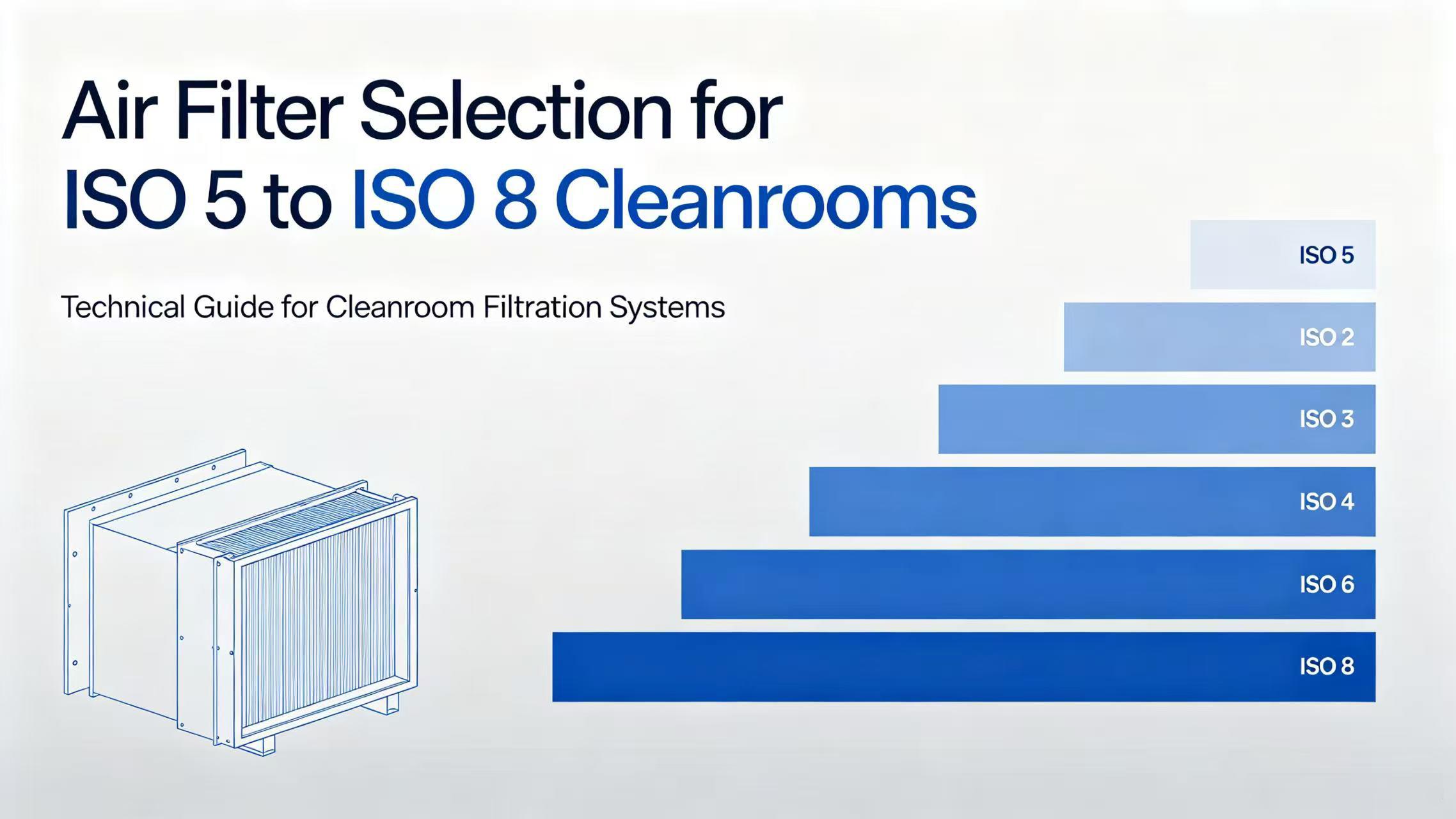
Cleanroom & Semiconductor
Ultra-High Cleanliness Filtration
Commercial HVAC
Central Air System Filtration
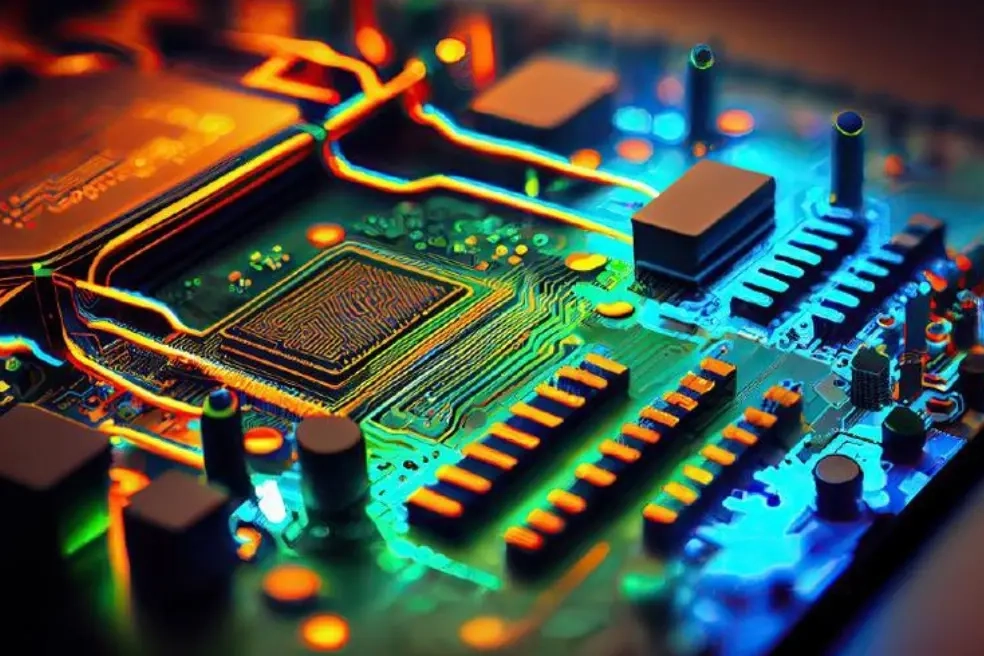
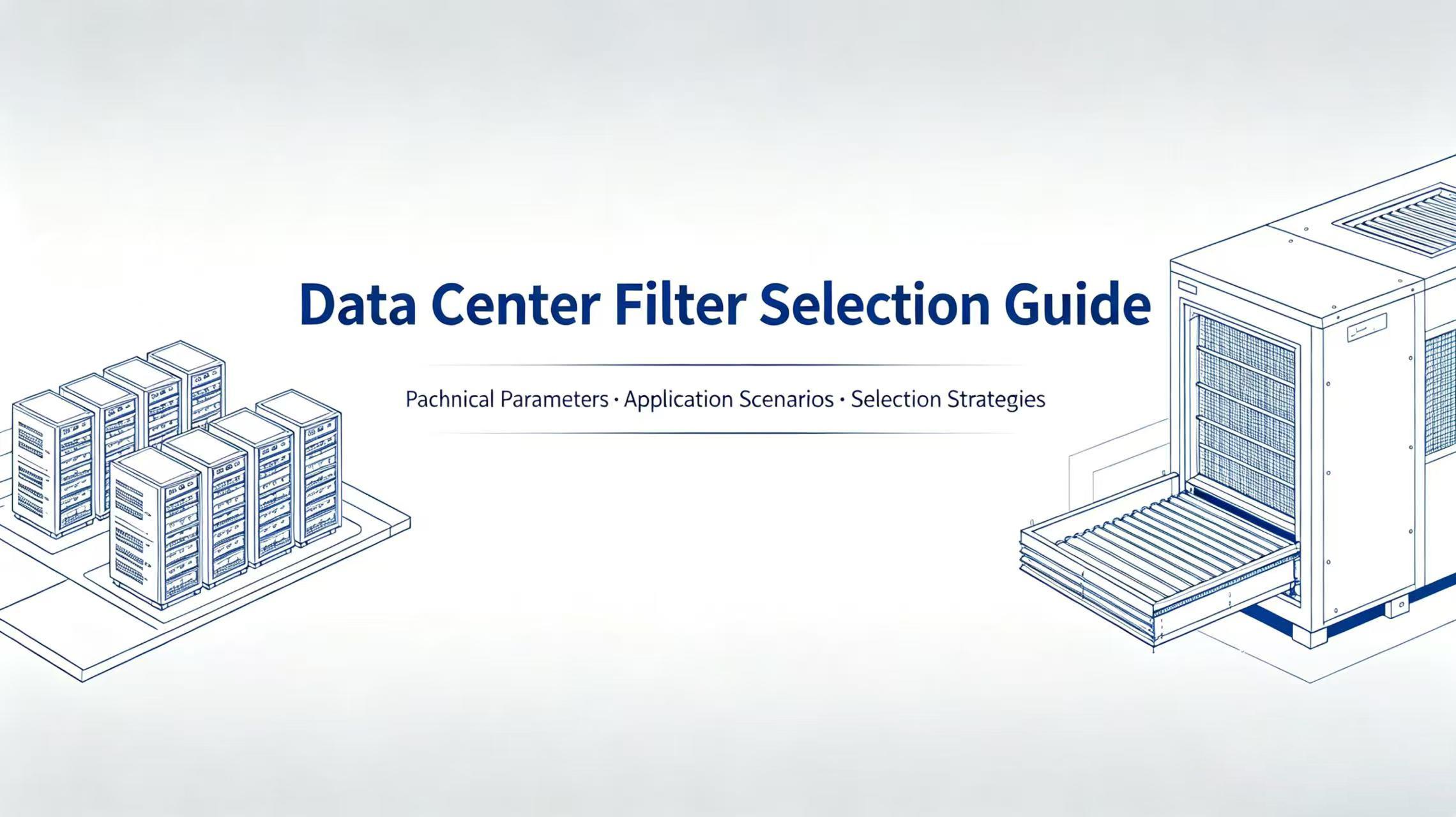
Data Centers
Precision Equipment Protection
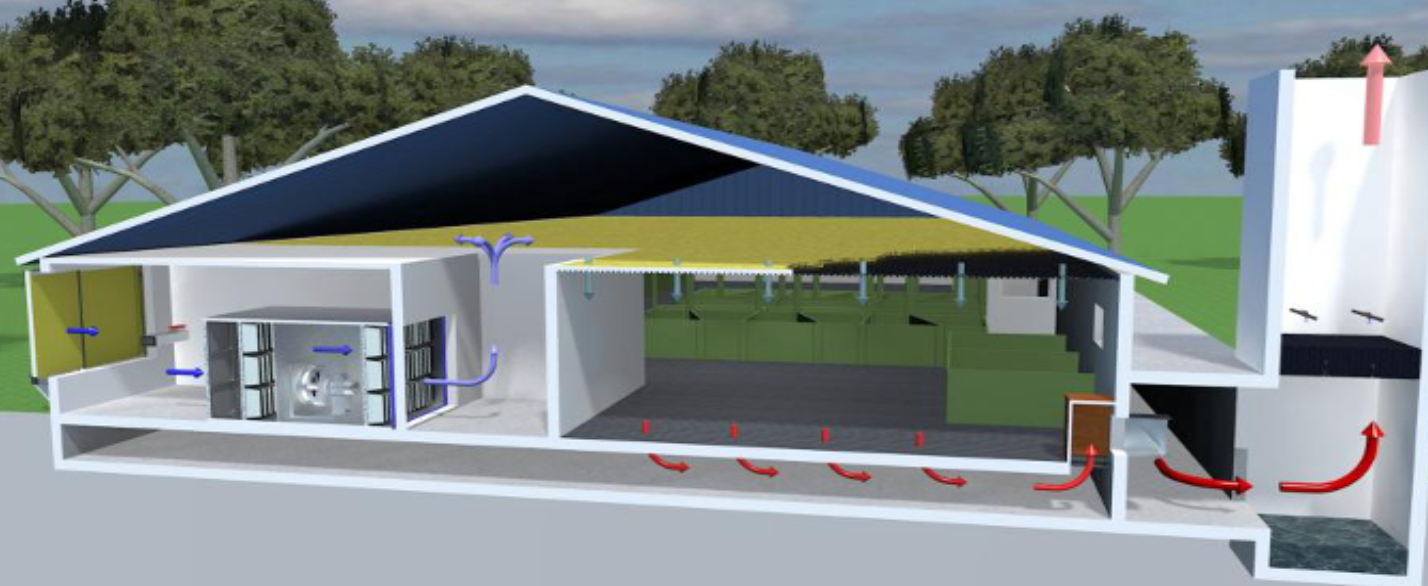
Livestock & Farming
Farming Environment Purification
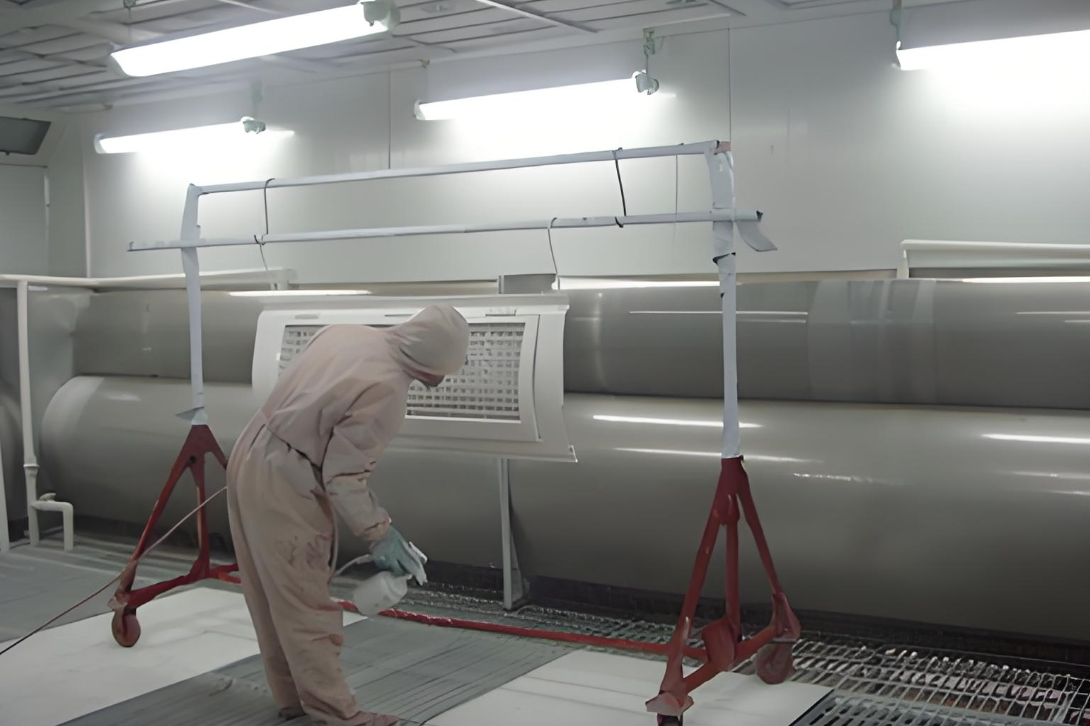
Spray Booths & Industrial Dust
Paint Mist & Dust Purification
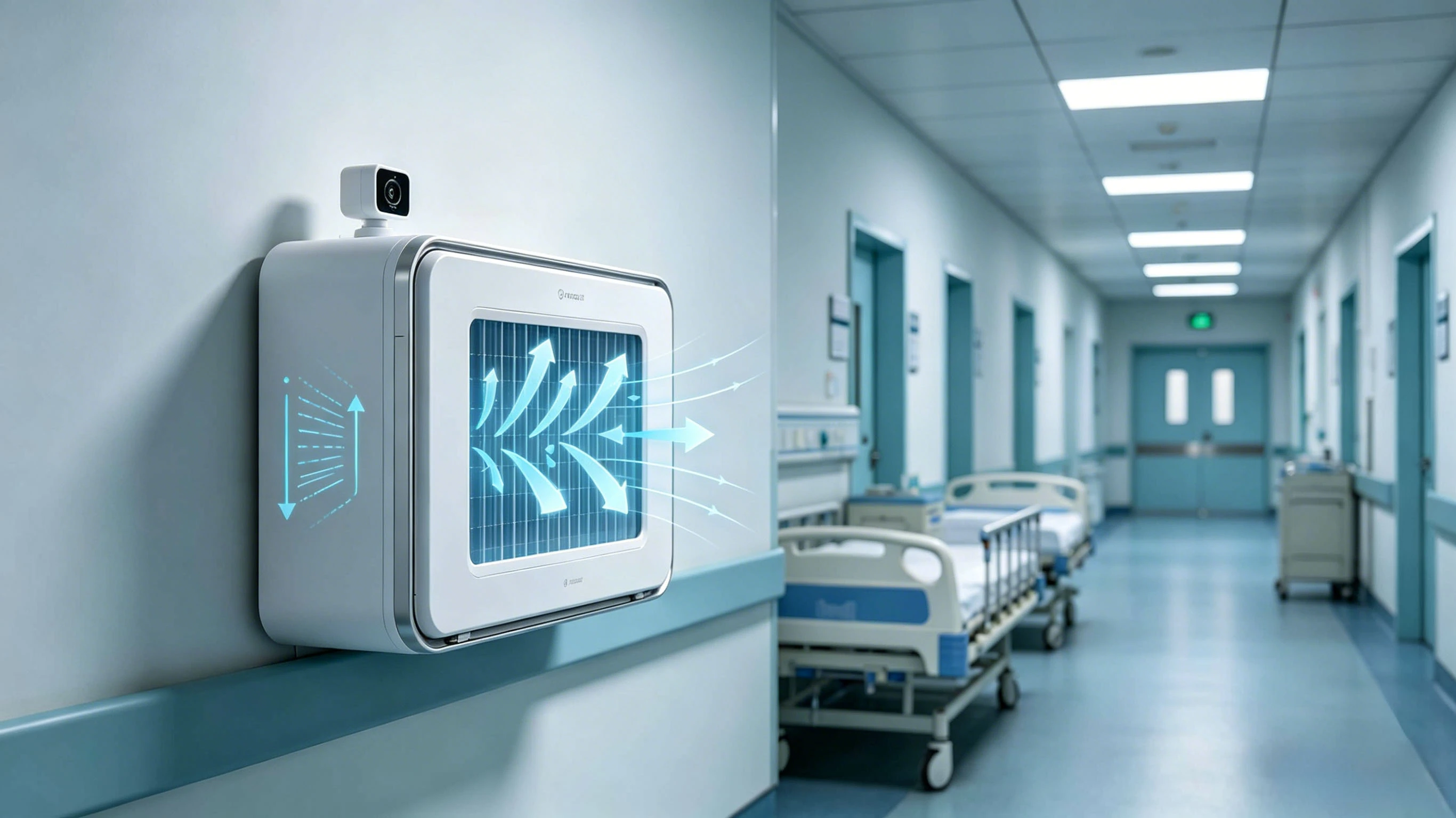
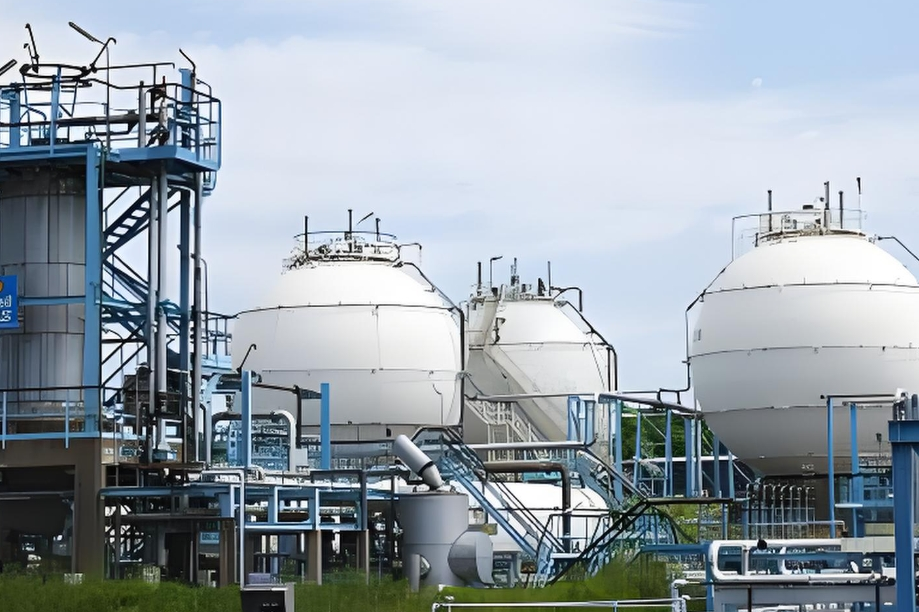
Filtration for Power Equipment
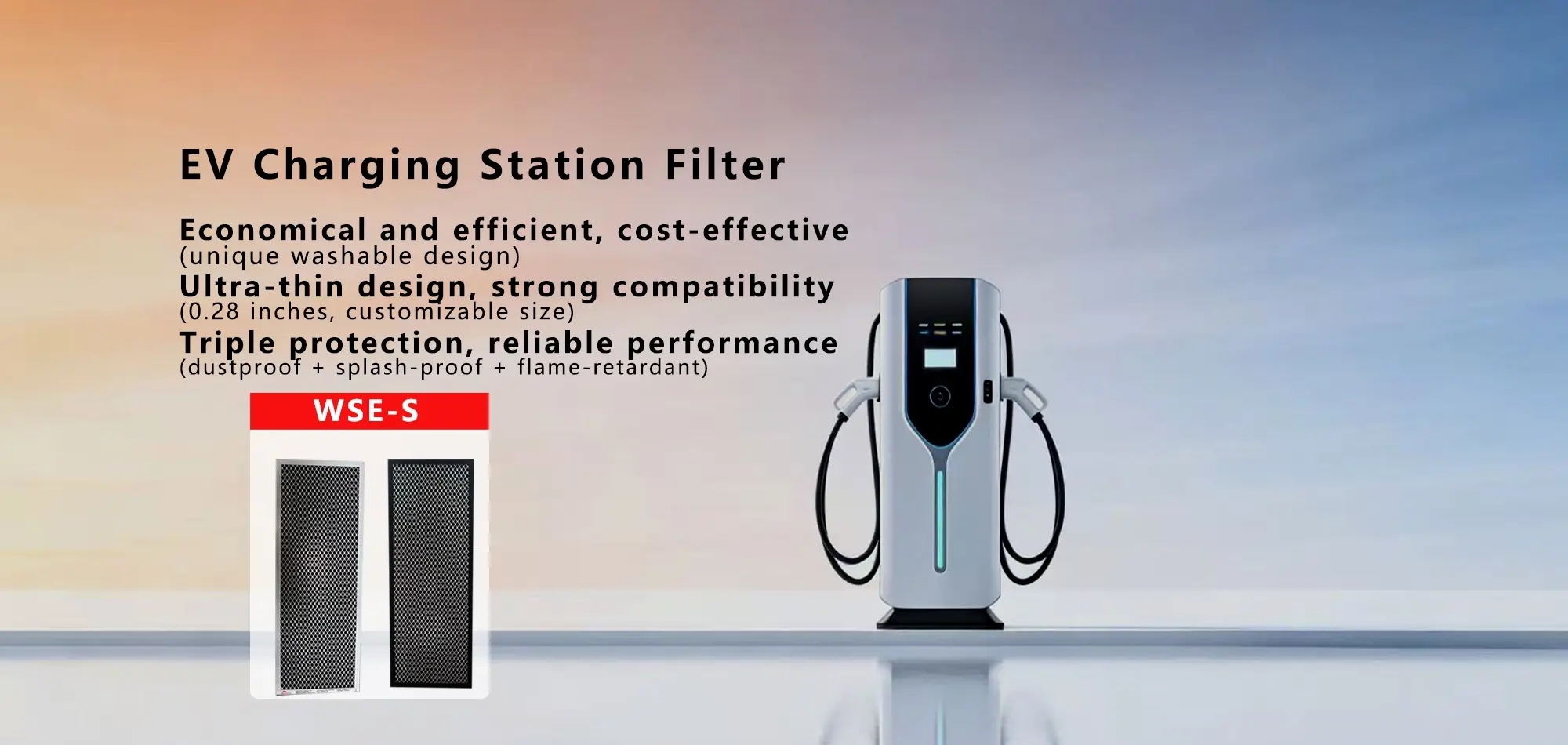
Professional air filtration for EV charging devices, protecting against dust and sand ingress to ensure stable, reliable operation of charging piles and station infrastructure.
View Related Products →Ultra-High Cleanliness Filtration
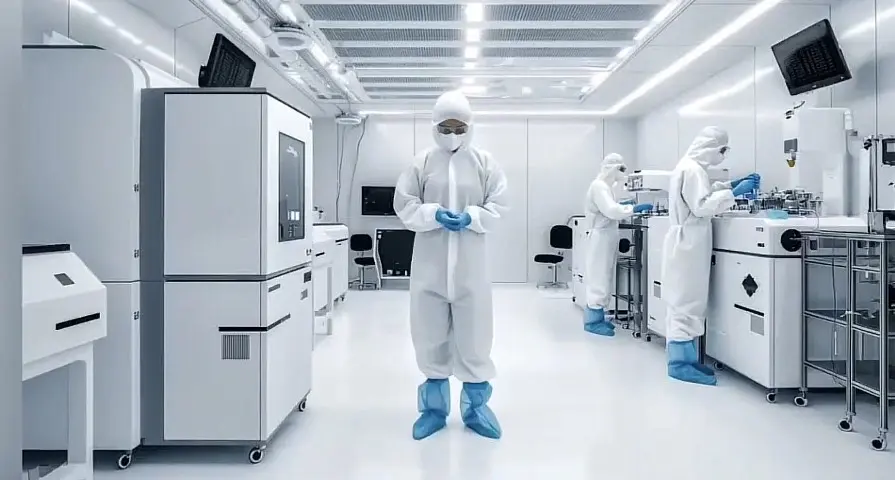
Ultra-high efficiency filtration for semiconductor wafer fabs and precision electronics cleanrooms, capturing nano-scale particles to meet ISO Class 1–3 standards and maximize product yield.
View Related Products →Central Air System Filtration
High-efficiency filtration for commercial building HVAC systems, improving indoor air quality, reducing energy consumption, and extending equipment service life.
View Related Products →Precision Equipment Protection
Precision air filtration for data centers, shielding servers and critical hardware from dust contamination to keep cooling systems running efficiently and reliably.
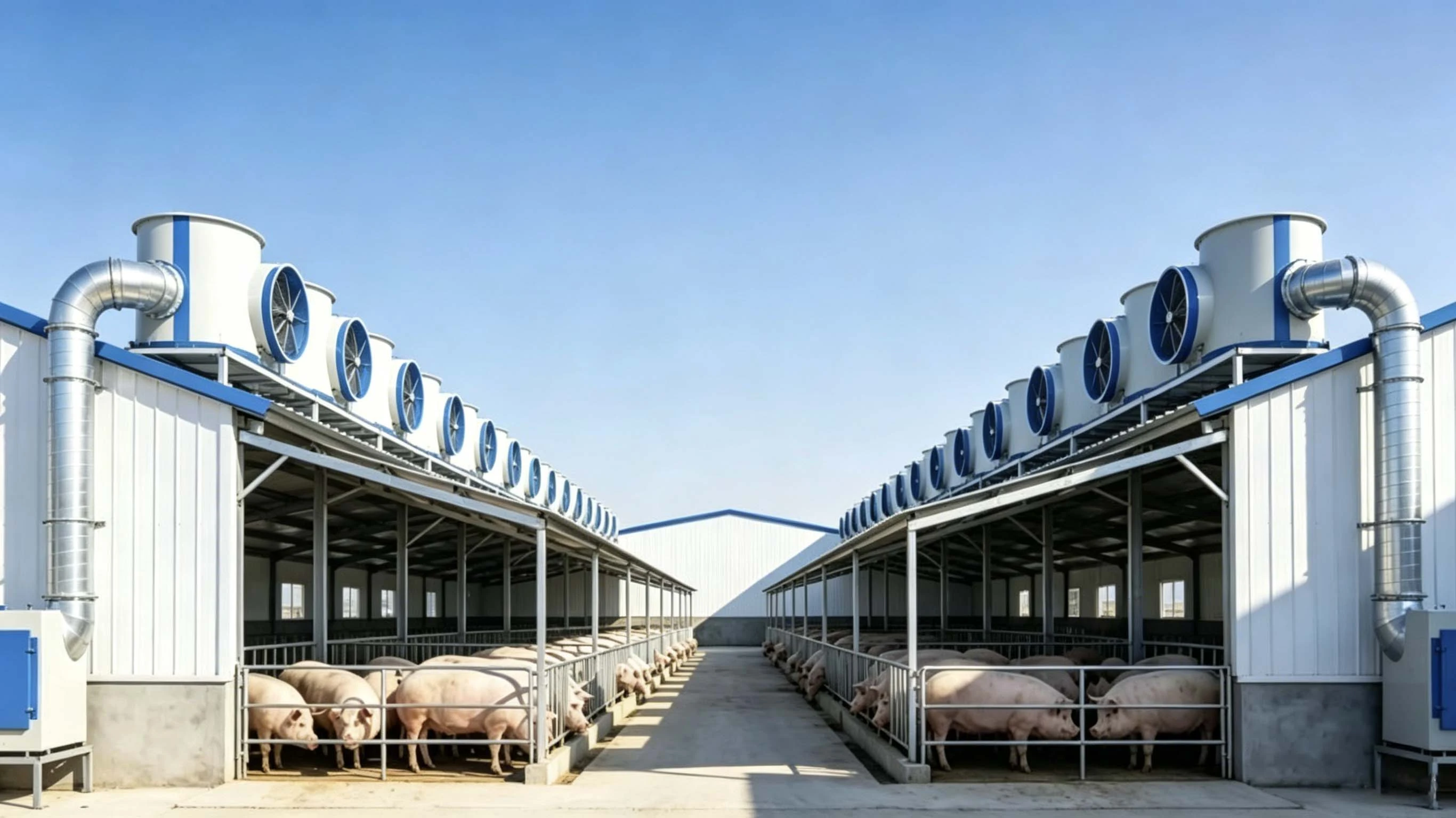
View Related Products →Farming Environment Purification
Dedicated filtration systems for farms and livestock facilities — capturing dust, adsorbing ammonia, and inhibiting pathogen spread to improve animal health and overall productivity.
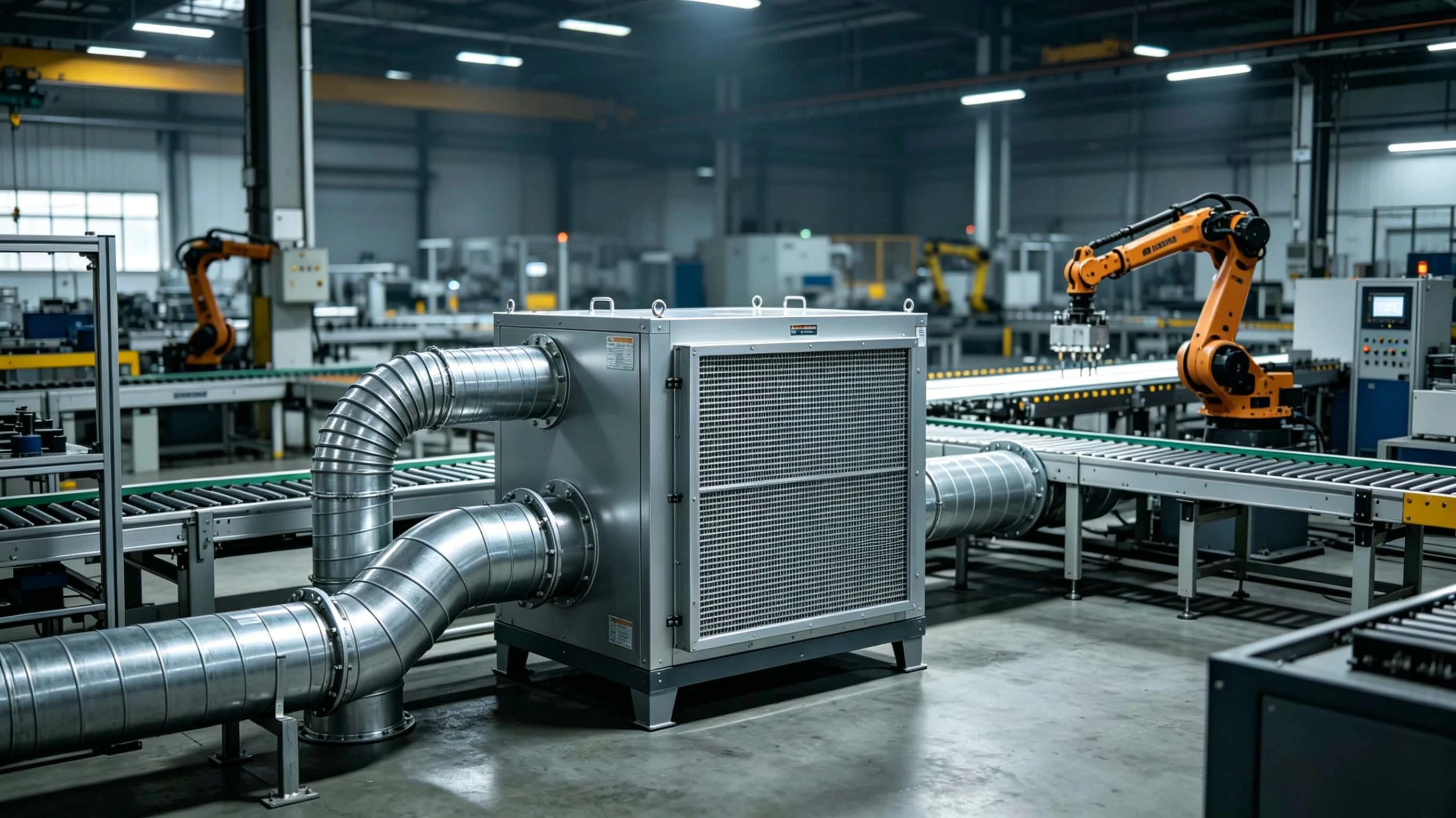
View Related Products →Paint Mist & Dust Purification
Designed for spray booths and grinding workshops, efficiently capturing paint mist, metal dust, and wood chips to meet emission standards while protecting finished surface quality.
View Related Products →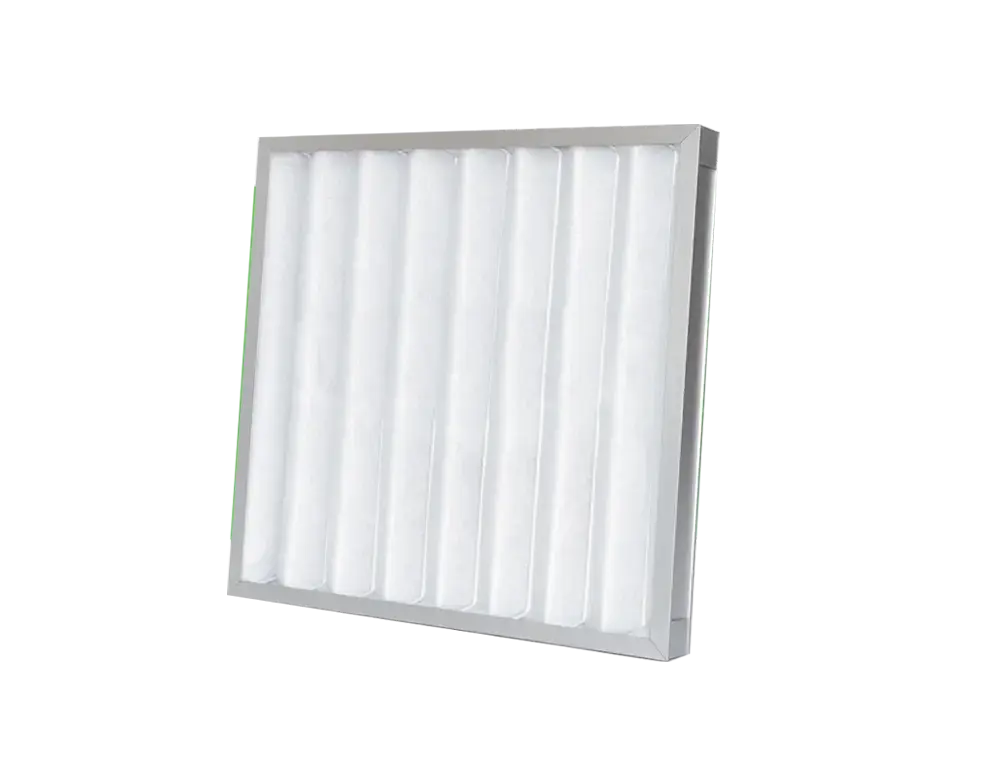
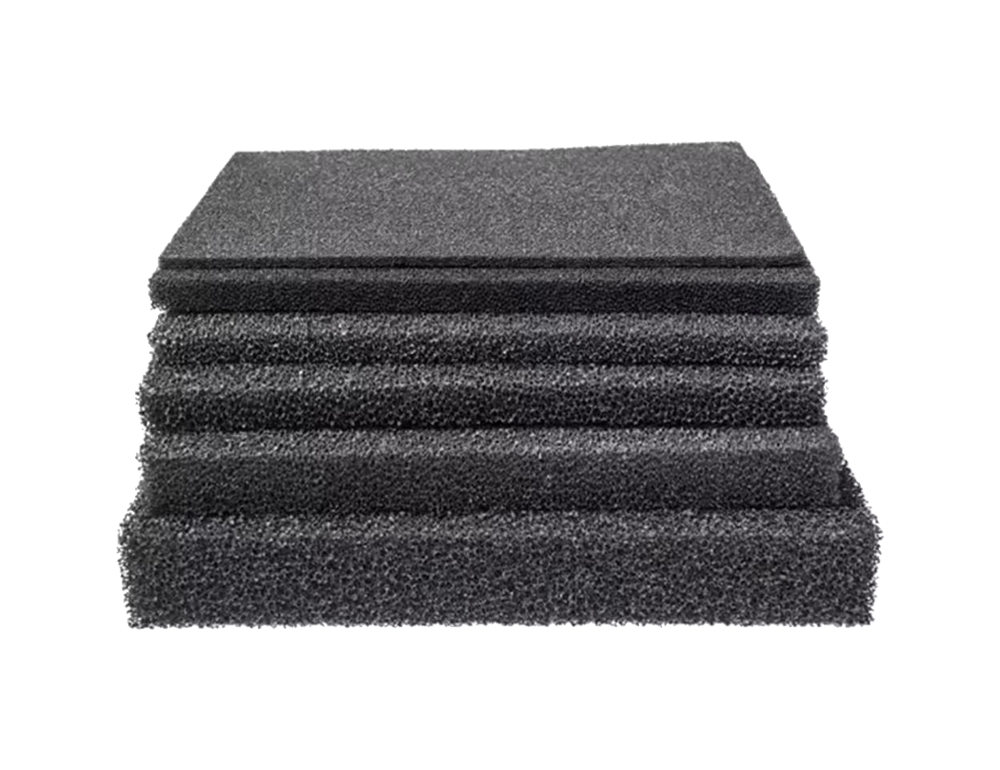
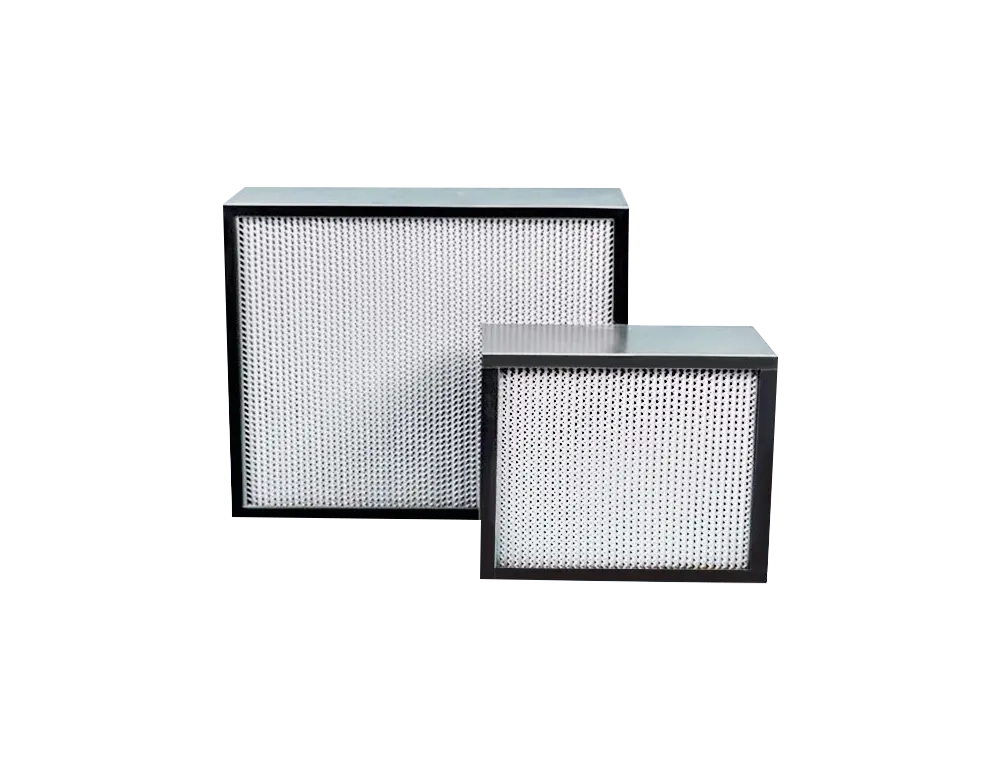
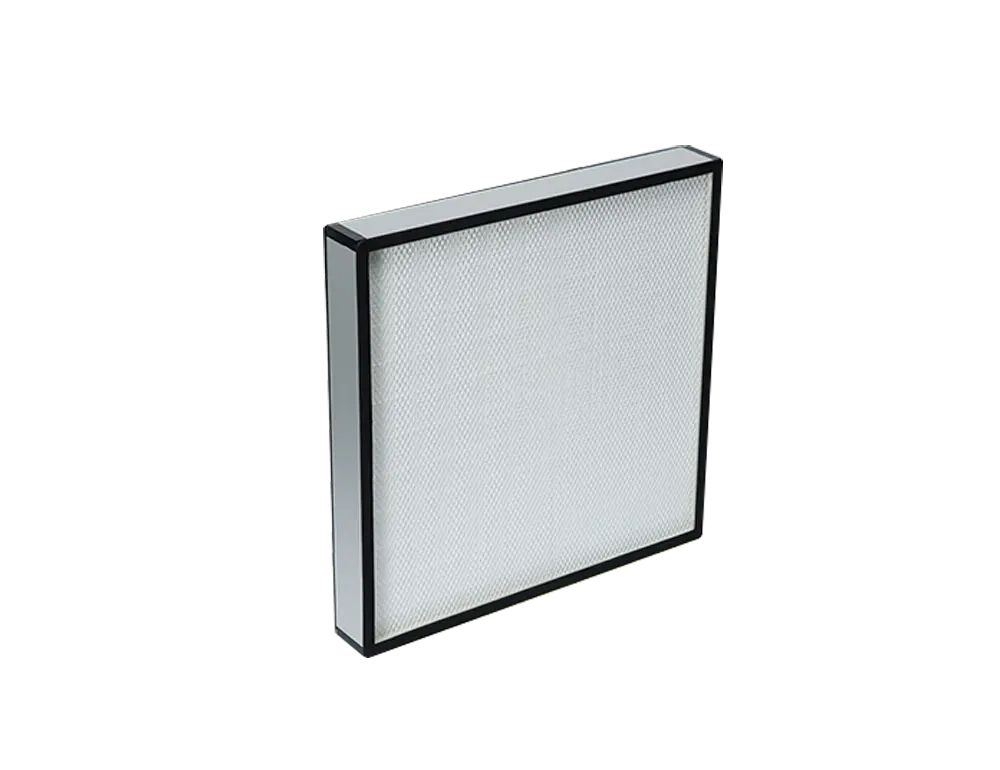
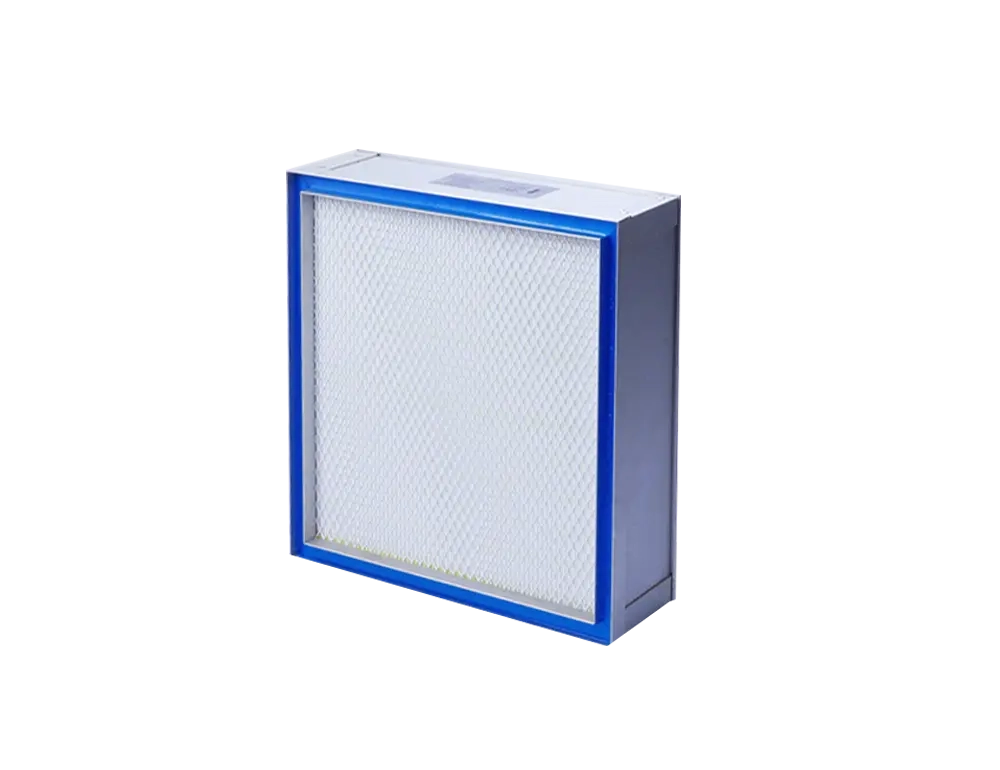
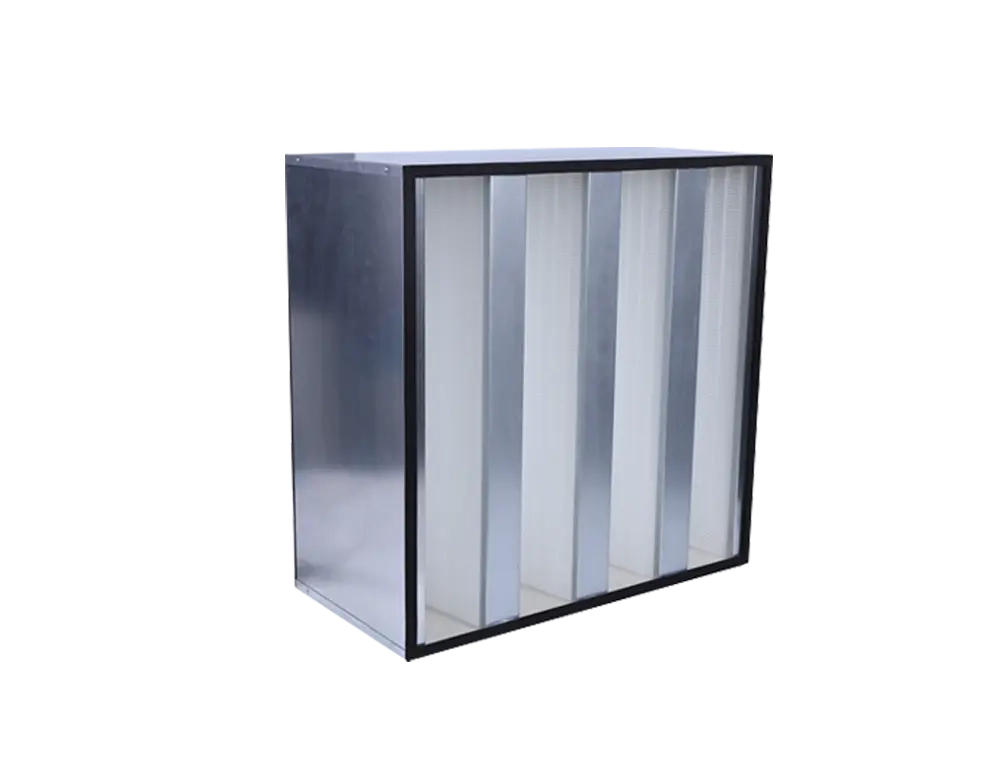
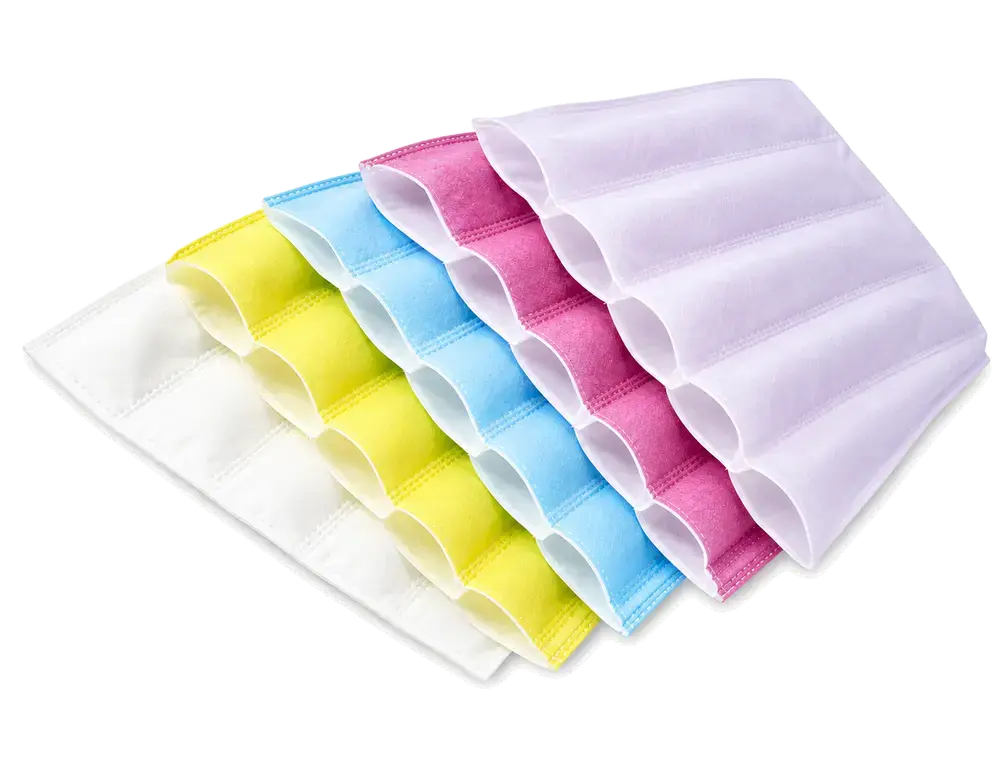

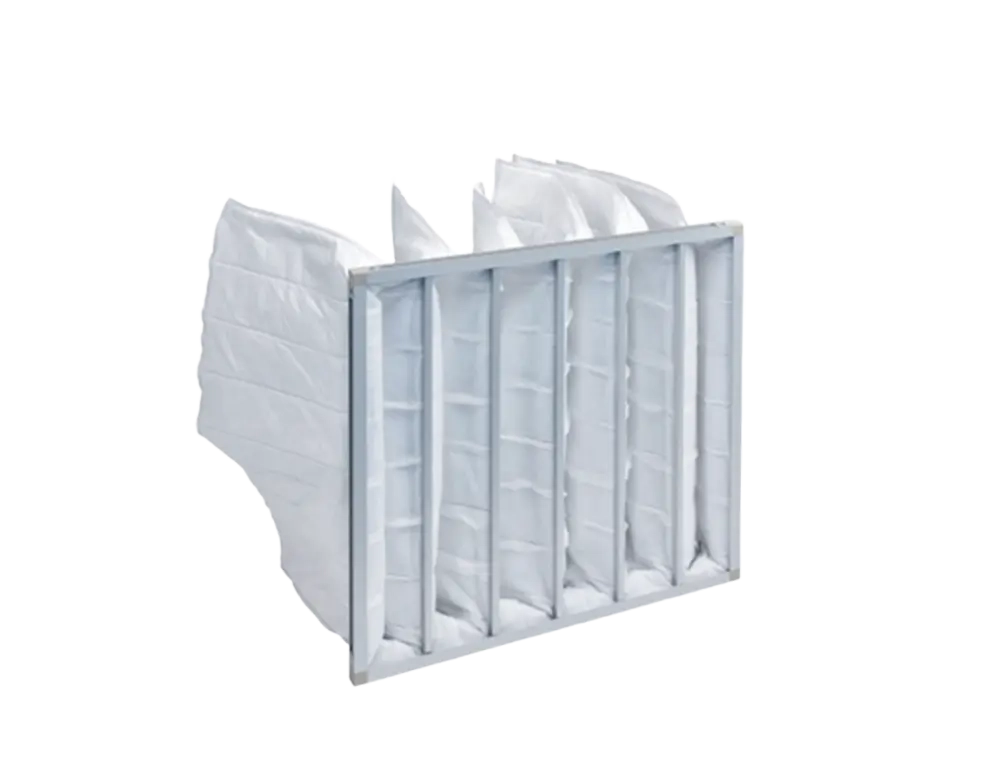
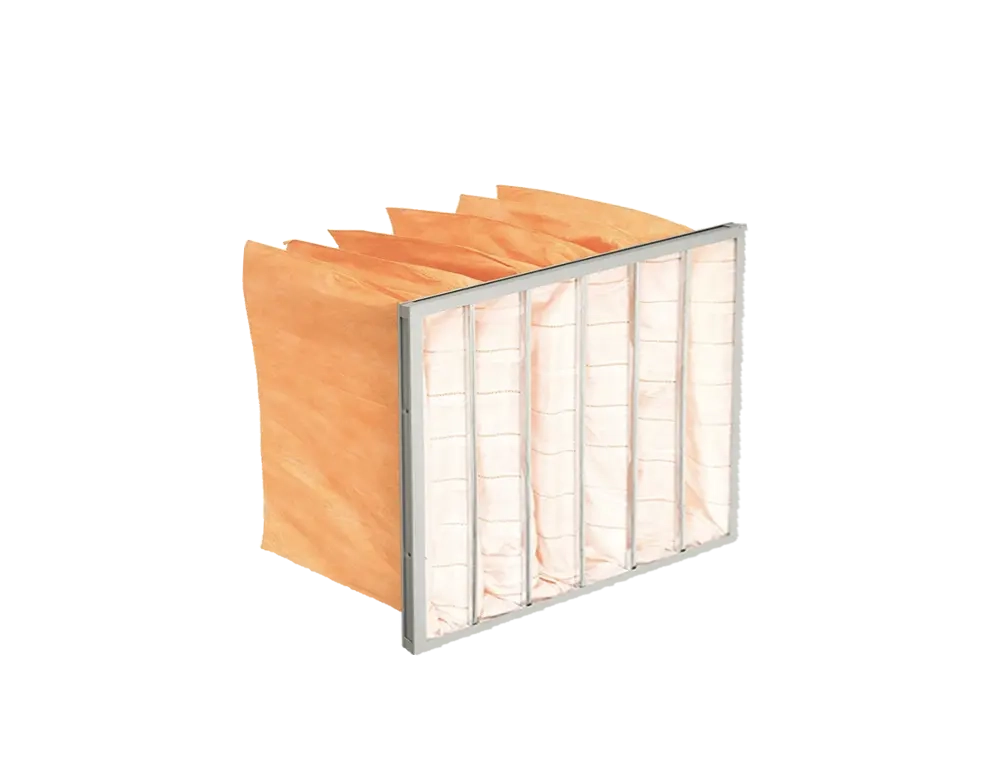
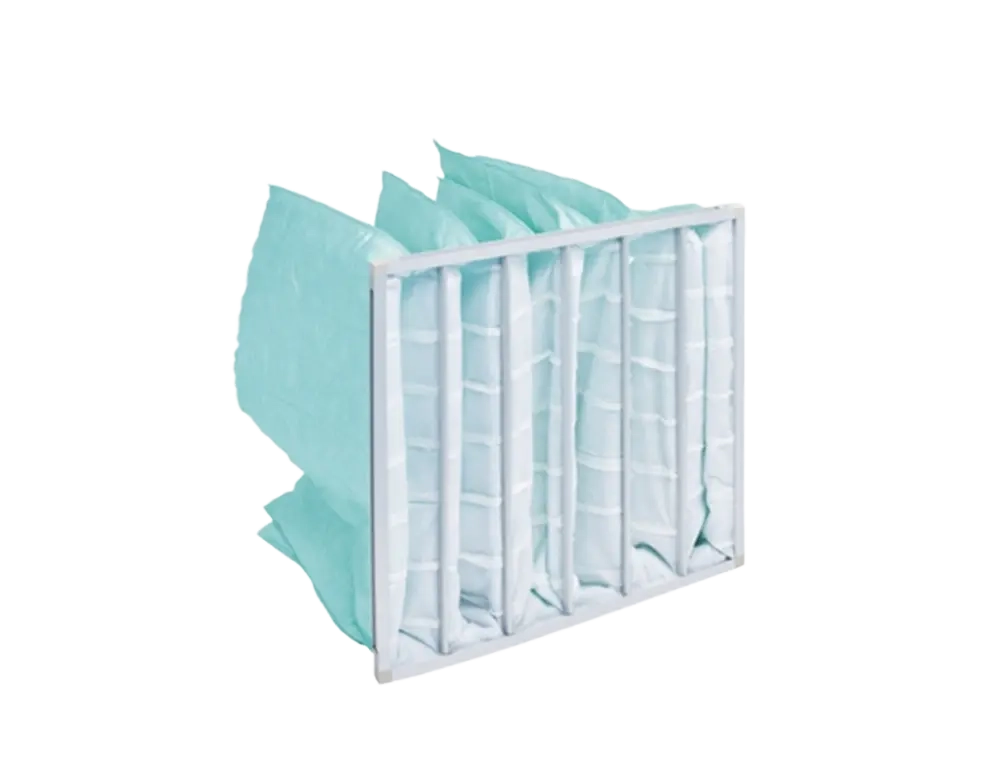

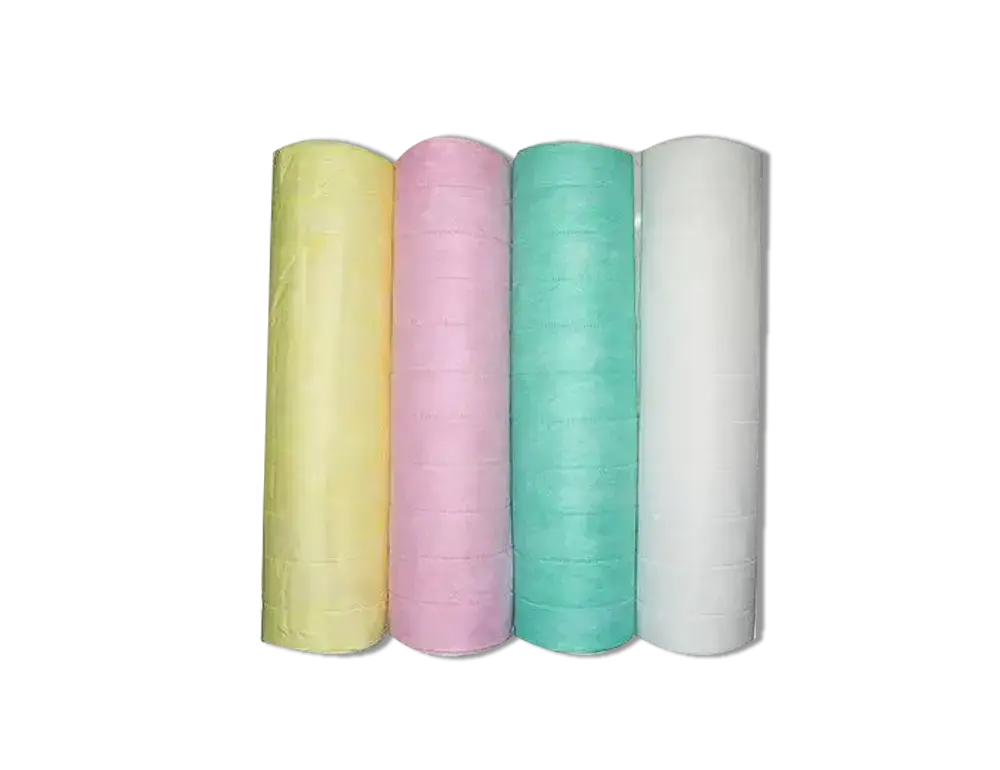
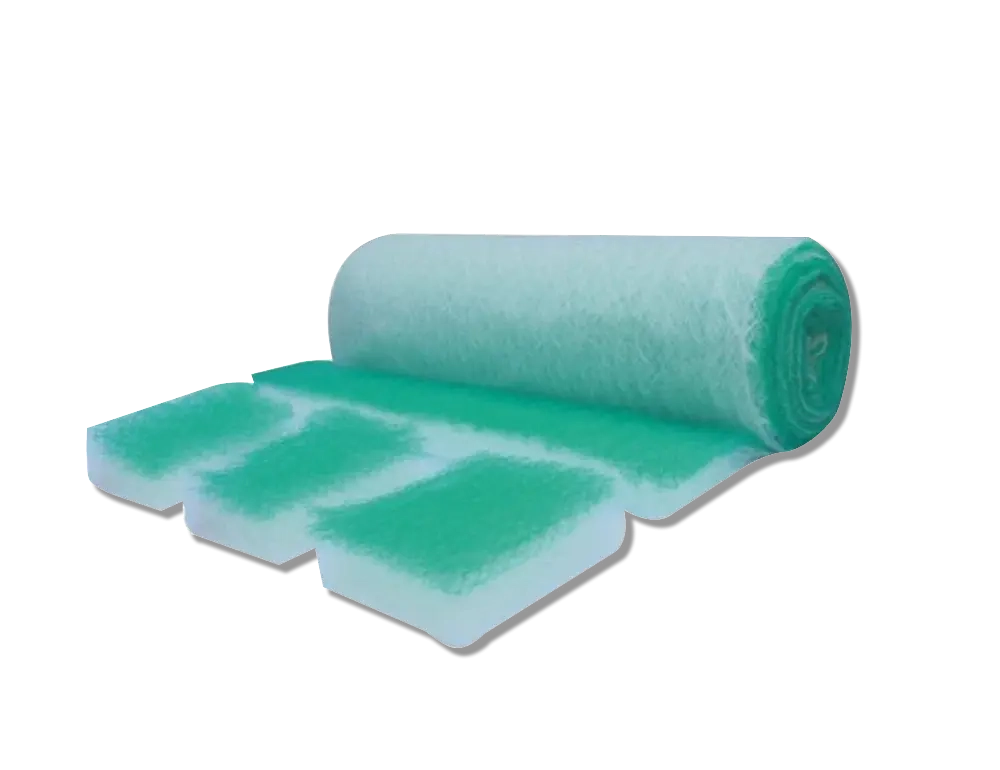
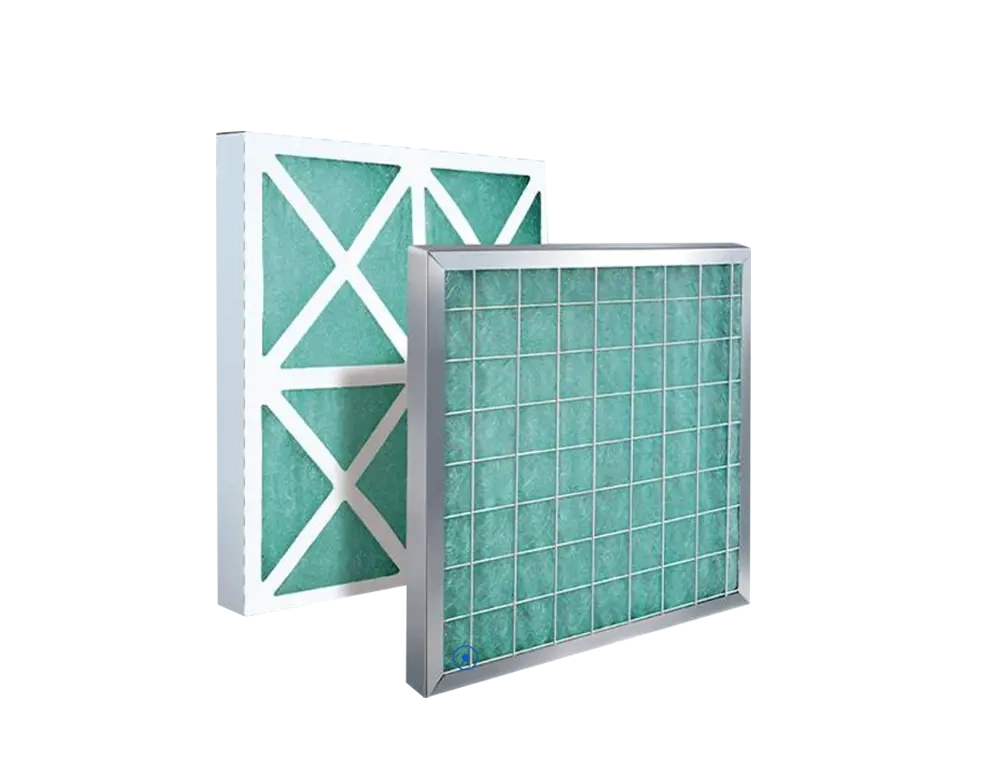
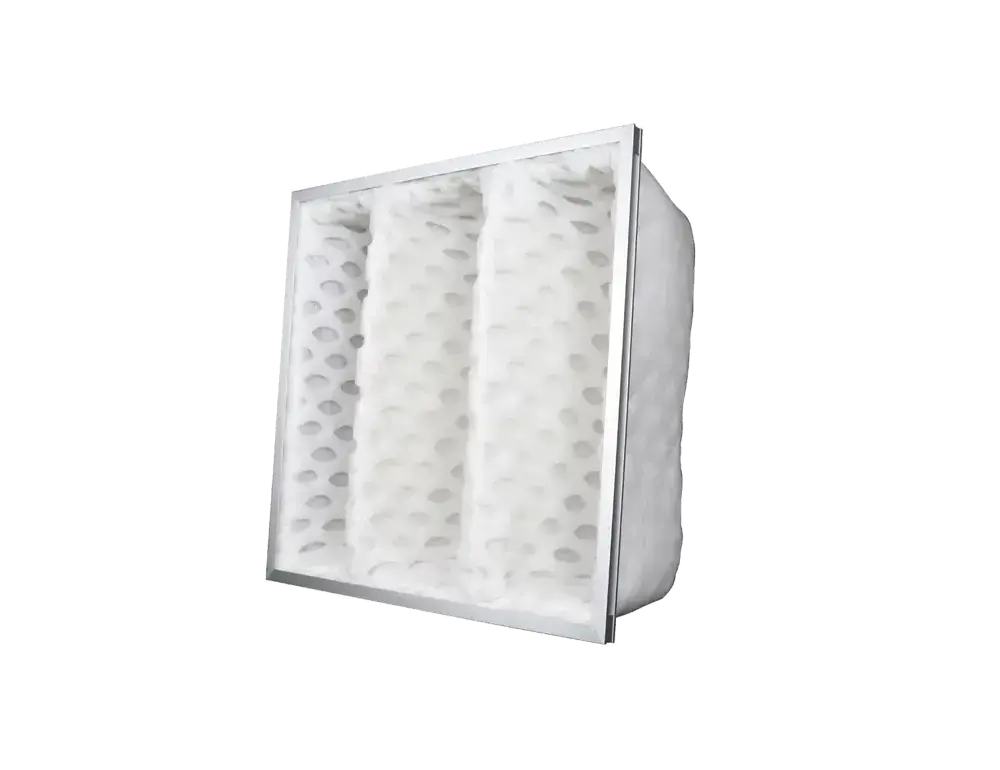
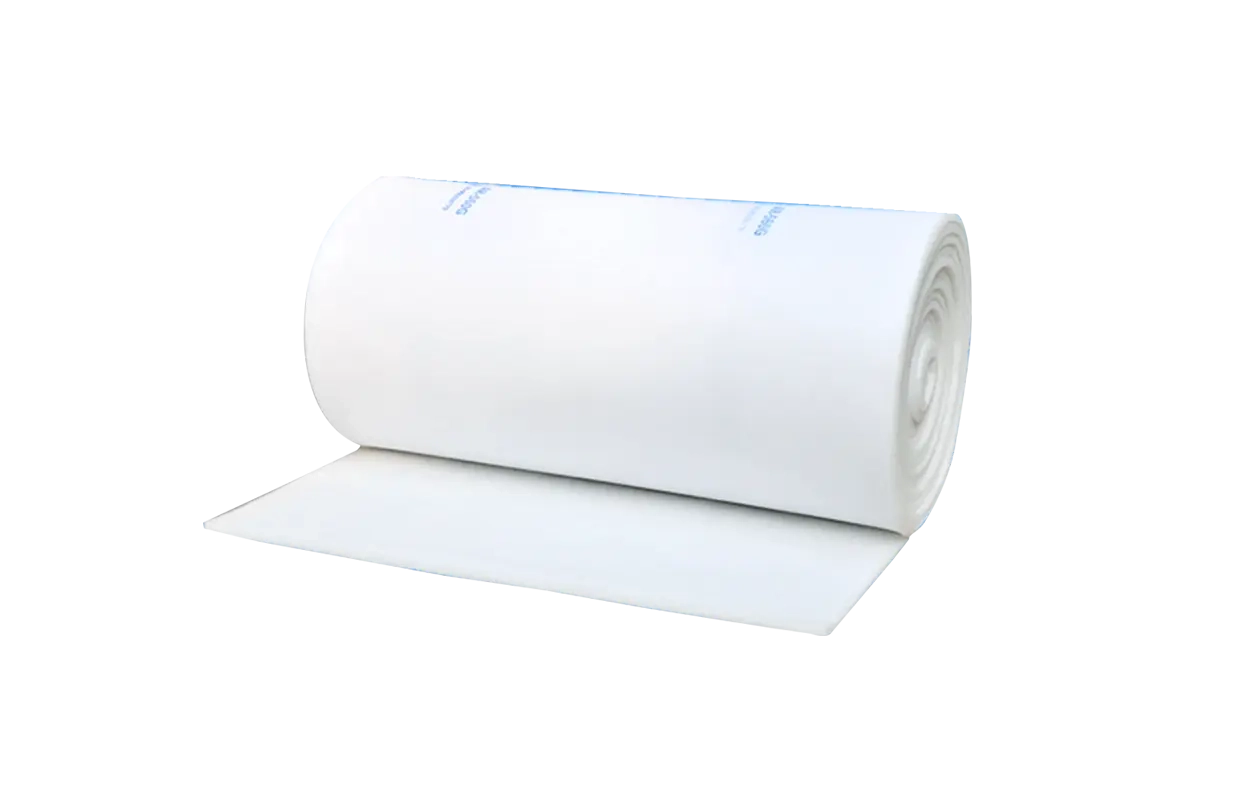
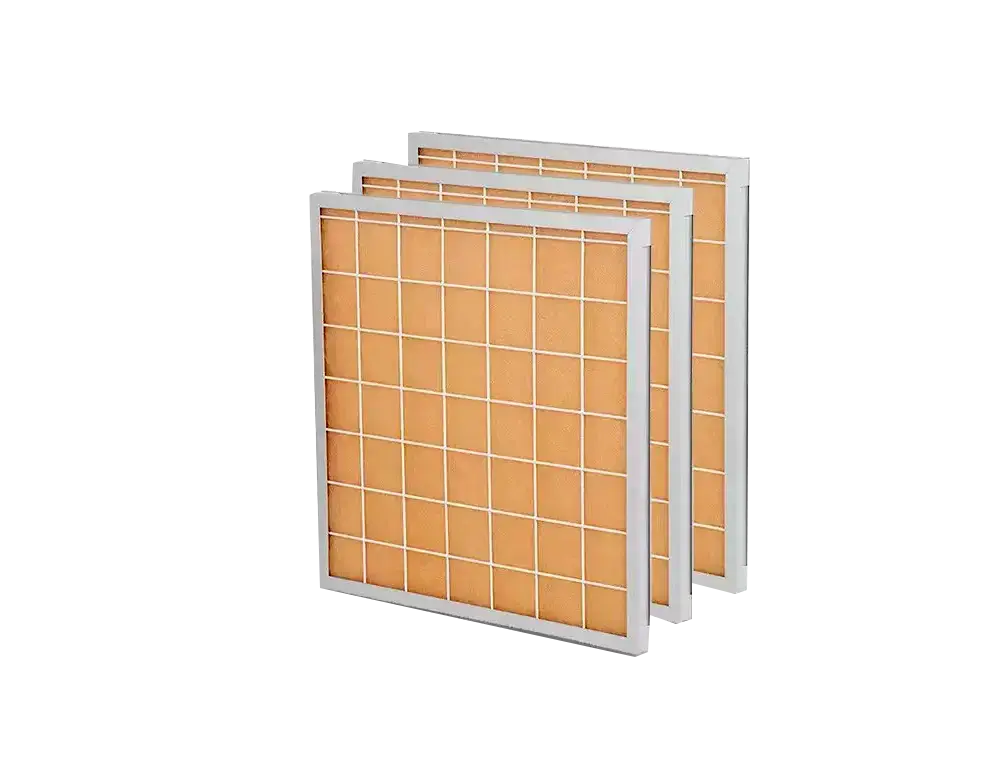
Pre-Filter (G1–G4)
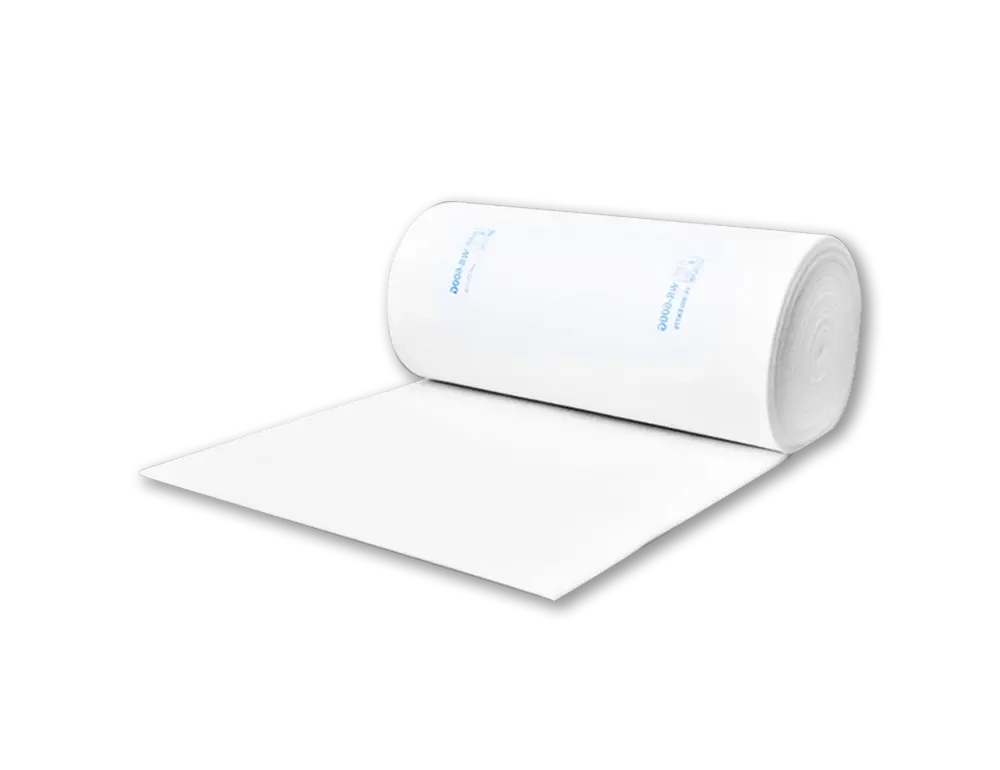
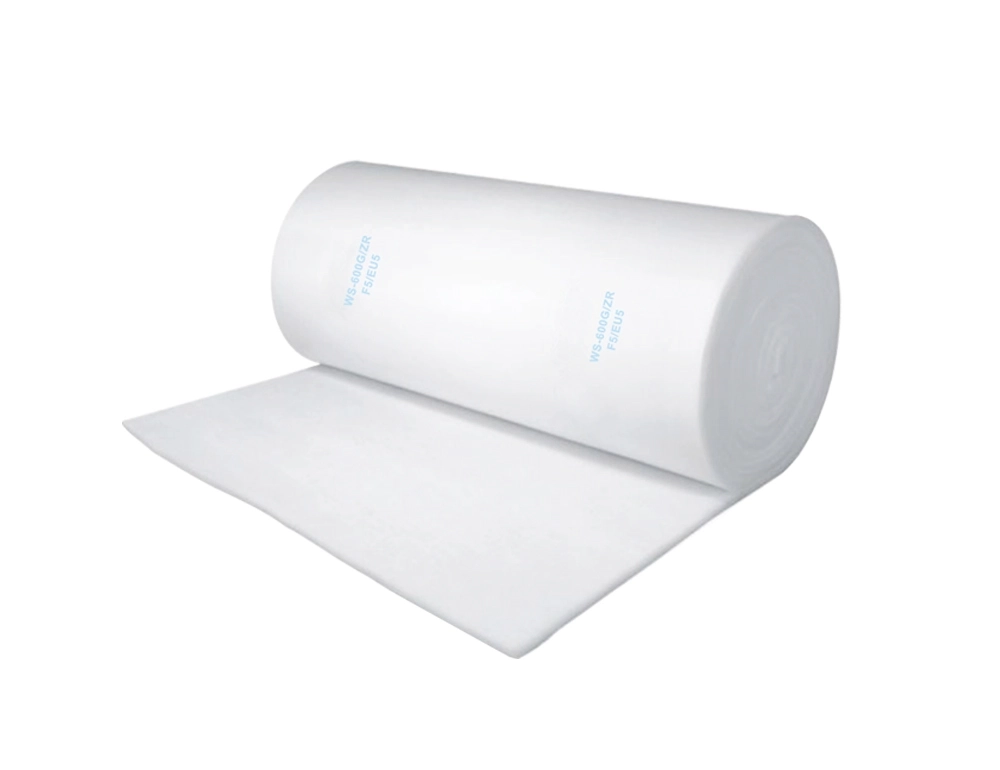
First-Stage Large-Particle Capture
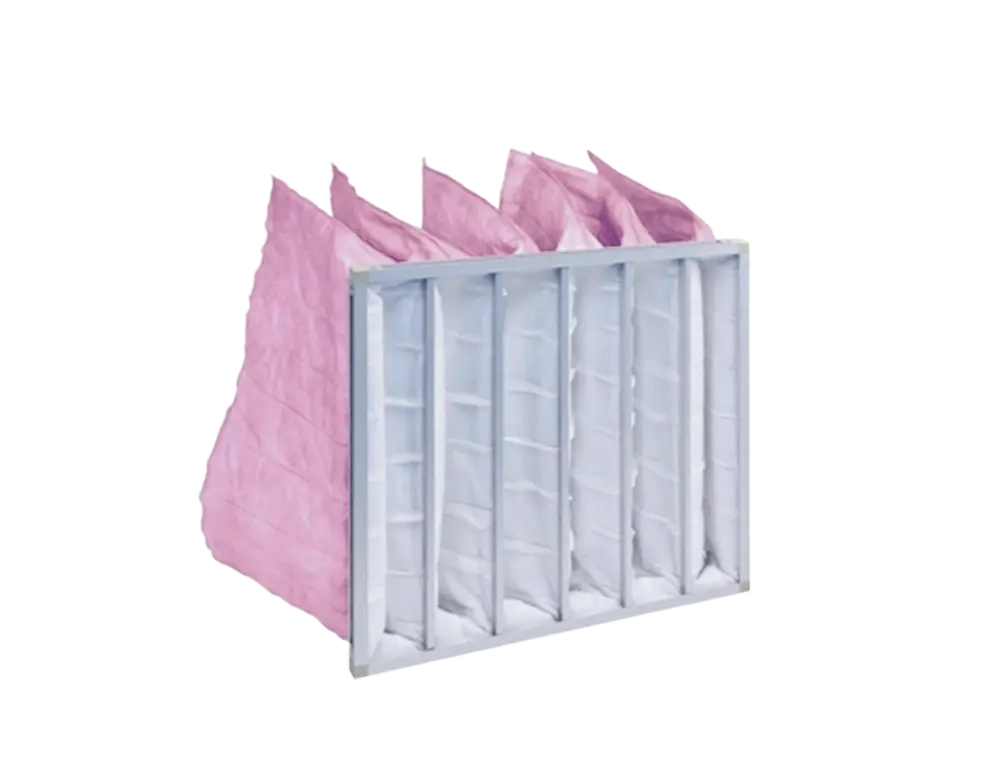
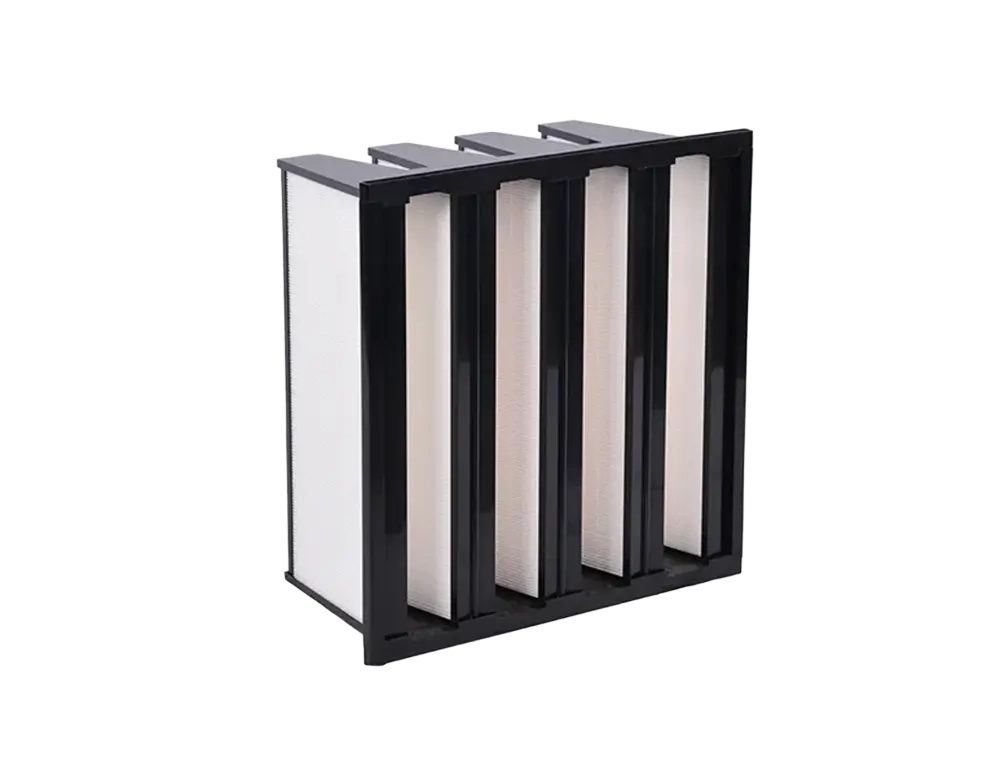
Medium-Efficiency Filter (F5–F9)
Precise PM2.5 Capture
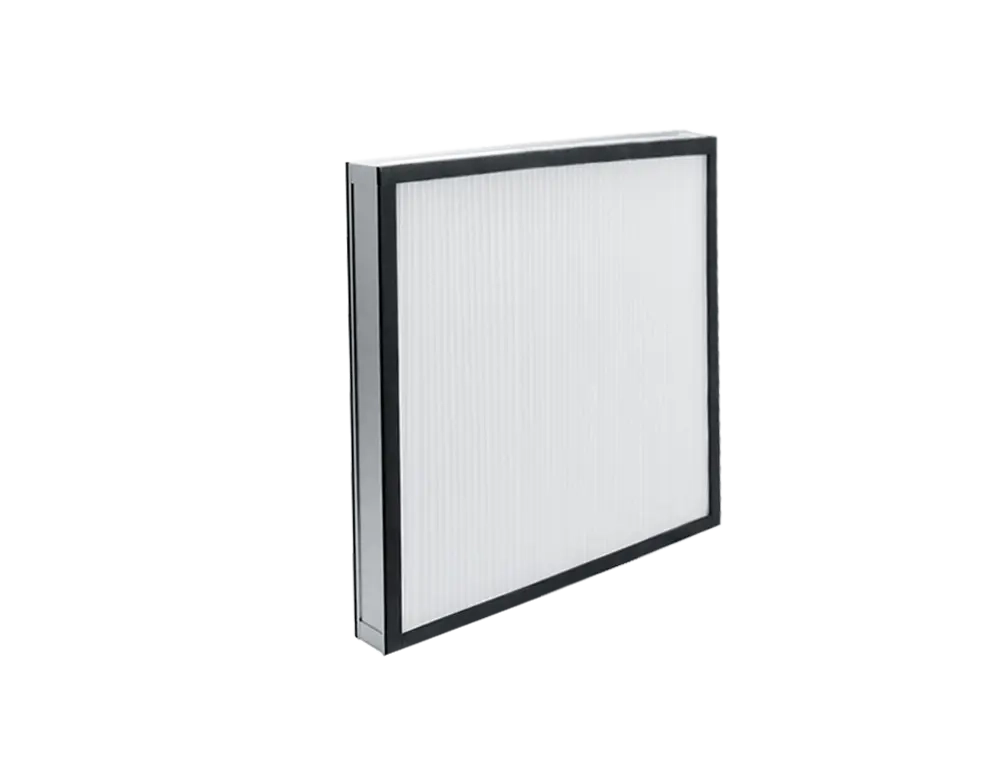
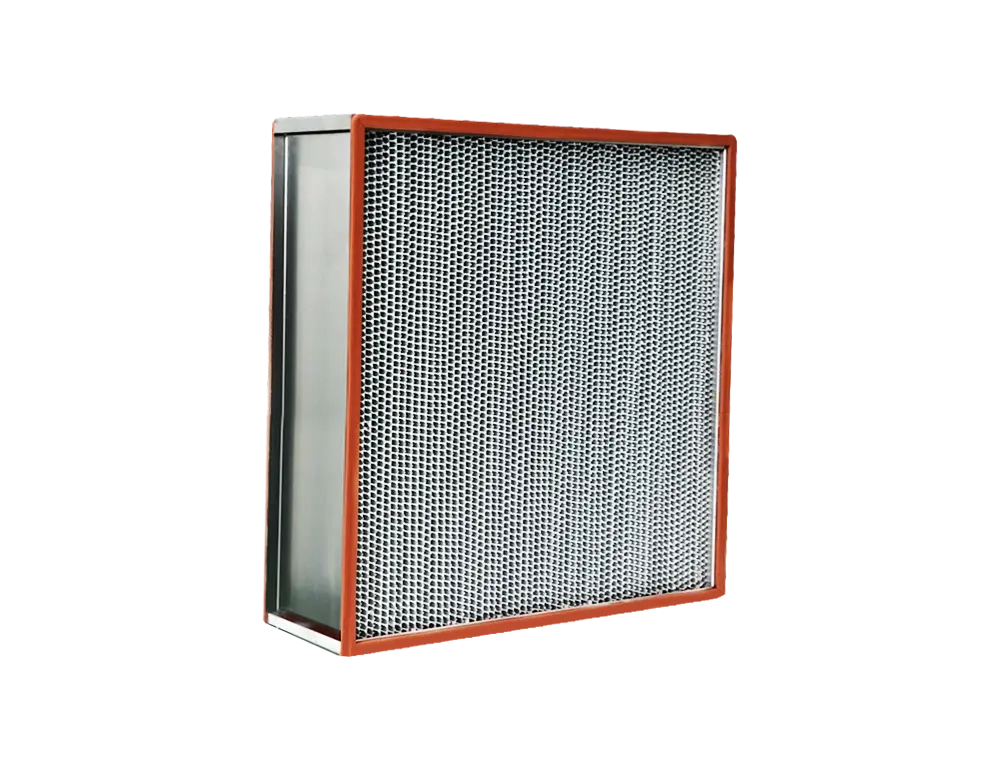
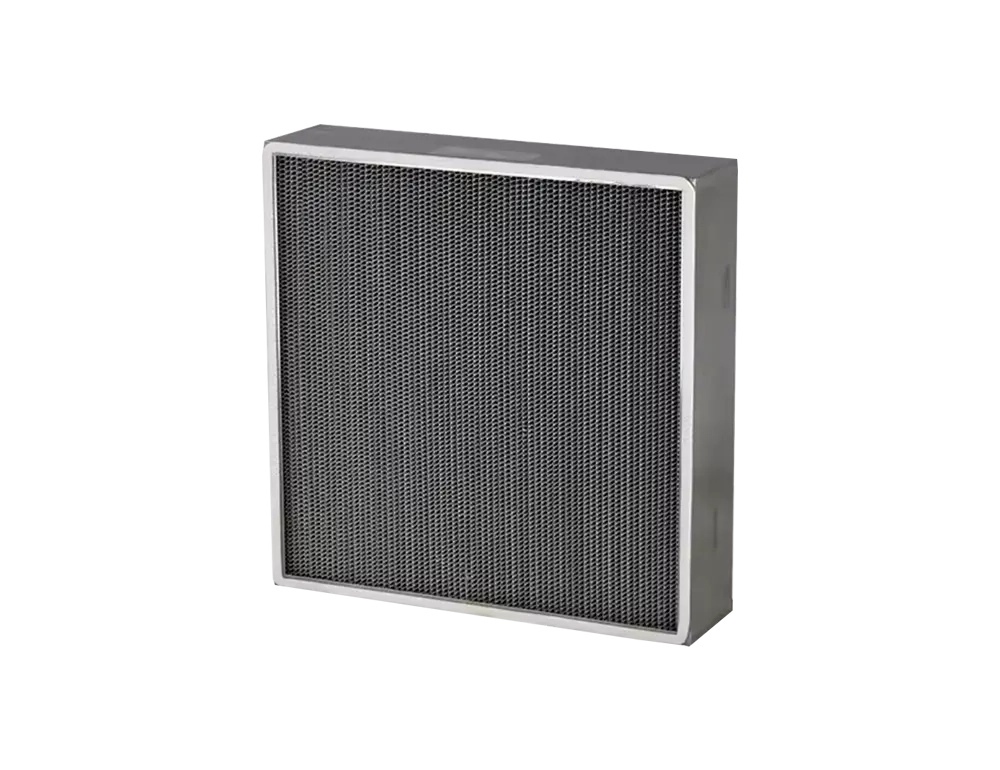
HEPA High-Efficiency Filter
Sterile-Grade Purification
ULPA Ultra-High Efficiency Filter
Sub-Micron Particle Capture
First-Stage Large-Particle Capture
The first line of defense, capturing particles ≥5 μm such as dust, hair, and fibers to protect downstream filters and extend overall system service life.
View Related Products →Precise PM2.5 Capture
Captures fine particles of 1–5 μm including PM2.5, pollen, and mold spores, significantly improving indoor air quality for commercial HVAC and ventilation systems.
View Related Products →Sterile-Grade Purification
≥99.97% filtration efficiency for particles ≥0.3 μm, delivering sterile-grade clean air widely used in medical, pharmaceutical, and electronics manufacturing.
View Related Products →Sub-Micron Particle Capture
≥99.9995% efficiency for particles ≥0.12 μm, meeting the extreme cleanliness demands of semiconductor fabs, aerospace, and other ultra-precision applications.
View Related Products →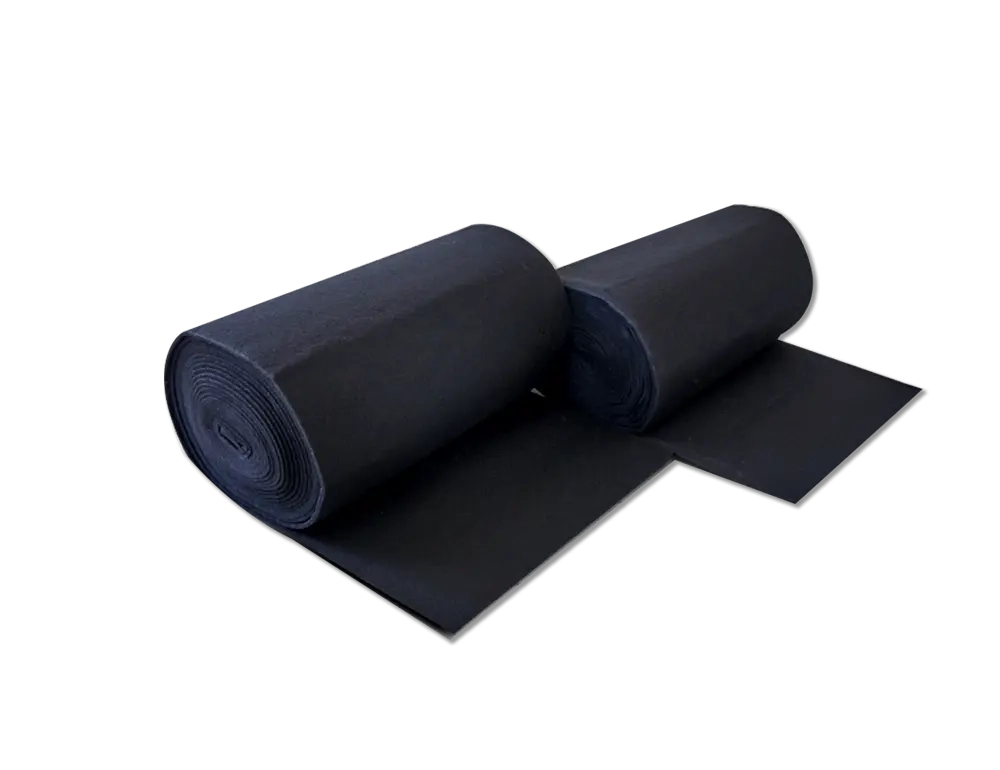
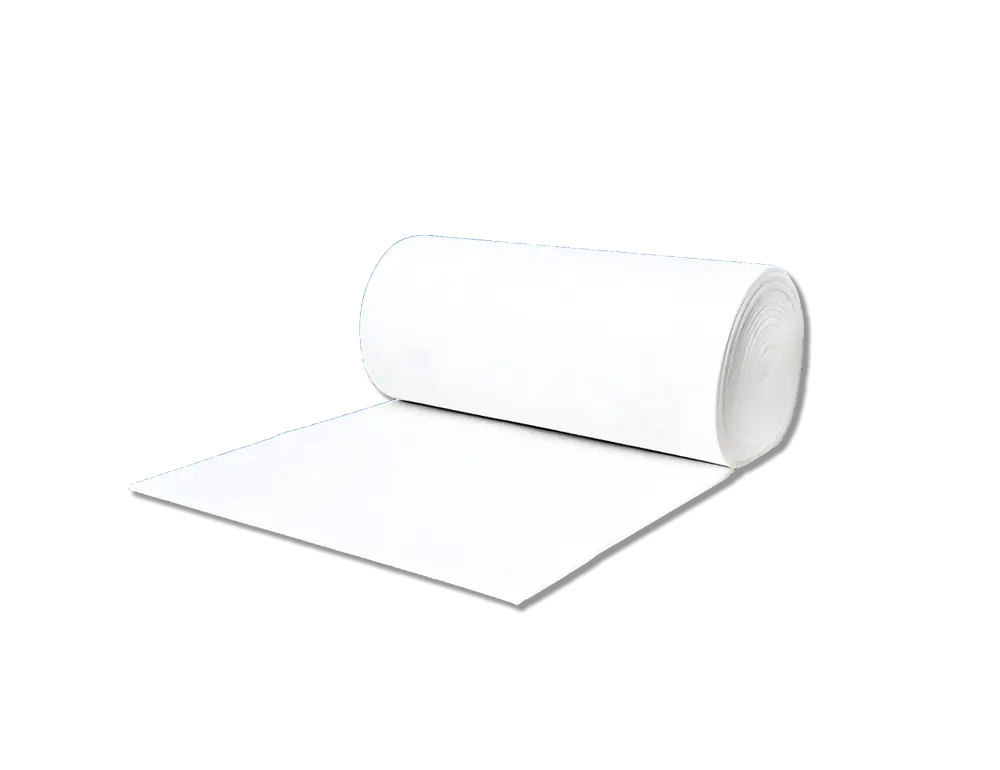
High-Temperature Resistant
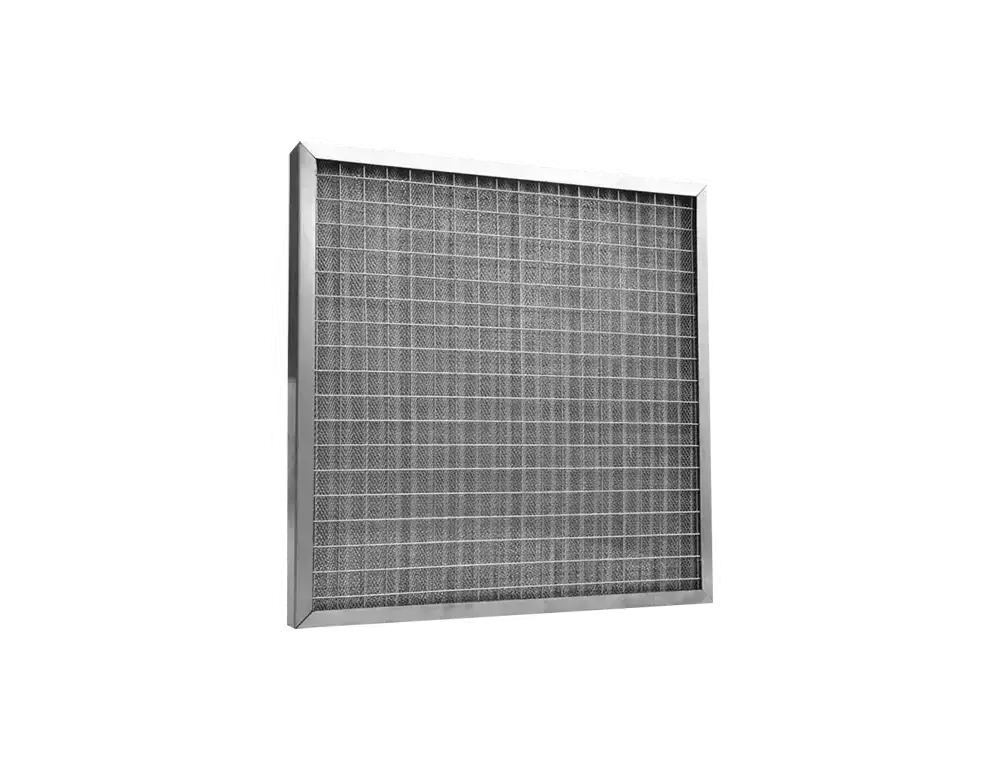
Industrial-Grade Heat Tolerance
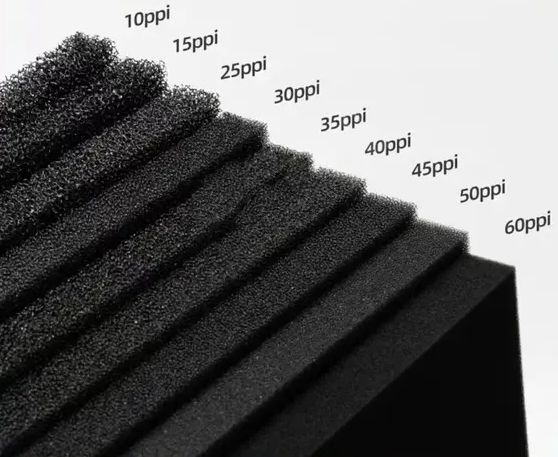
Washable & Reusable
Cut Costs, Reduce Waste
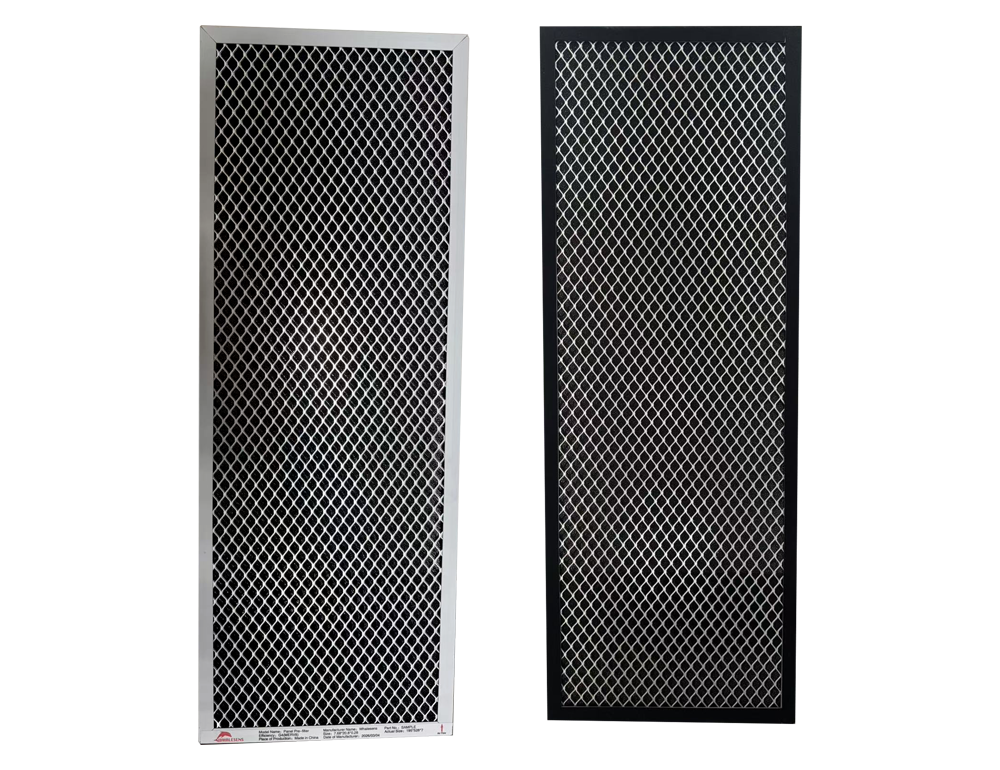
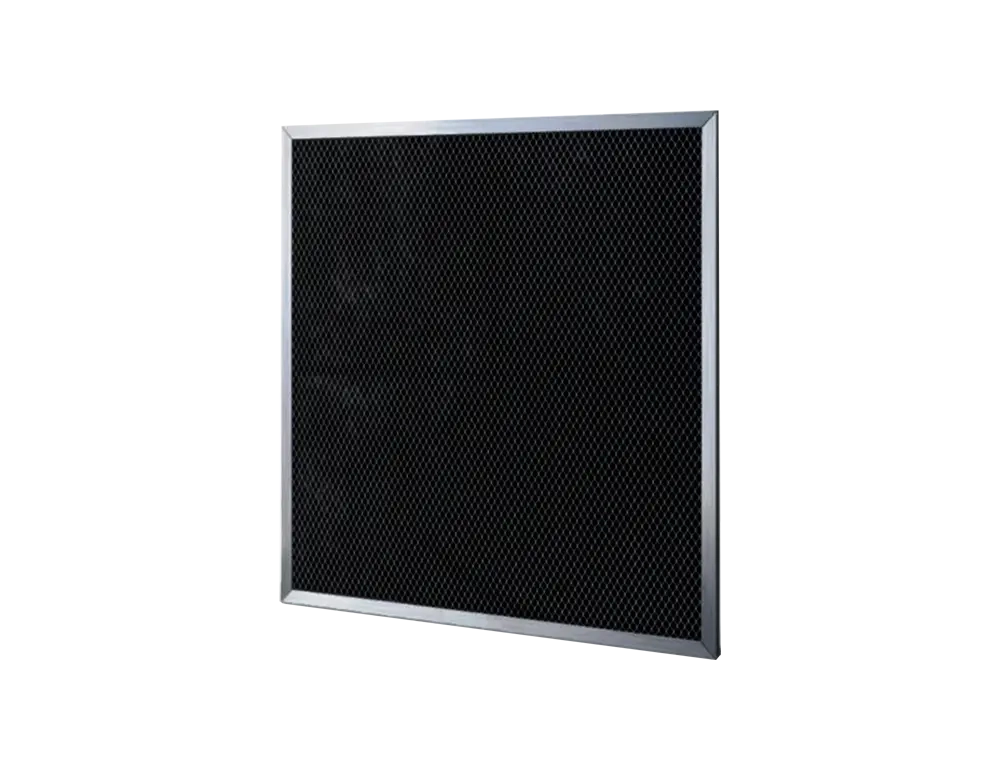
Activated Carbon
Odor & Harmful Gas Removal
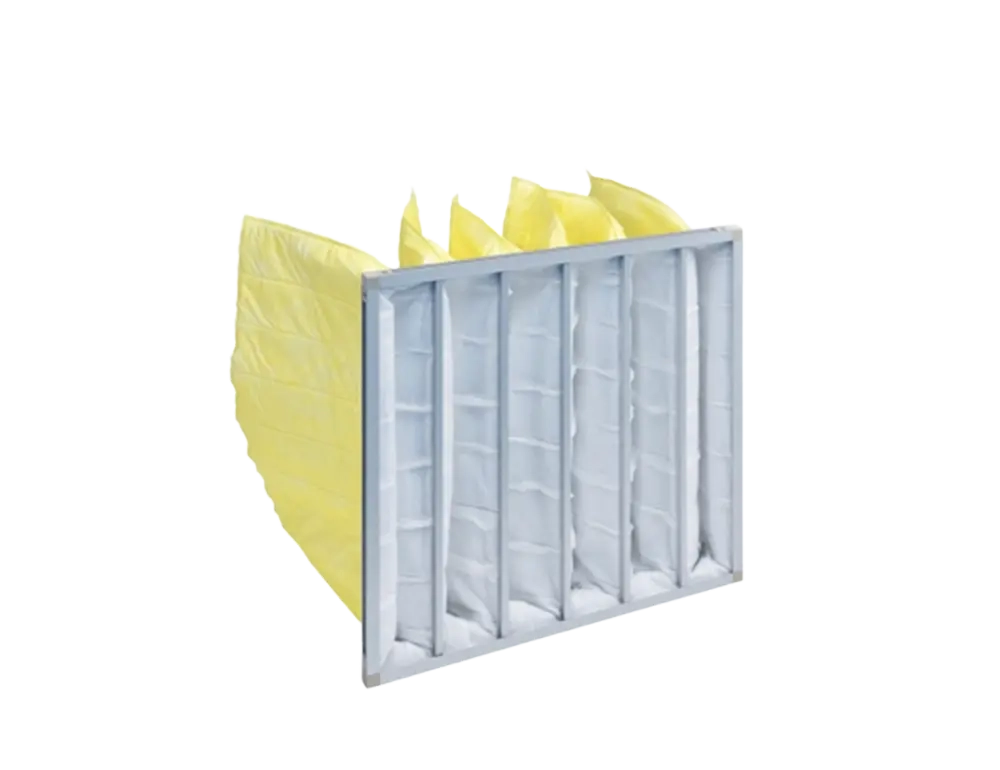
Bag Filter
High Dust-Holding, Long Life
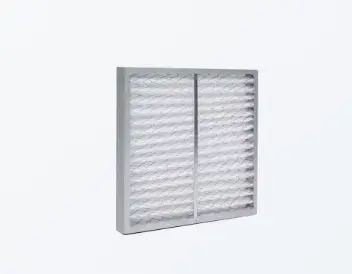
Panel / Pleated Filter
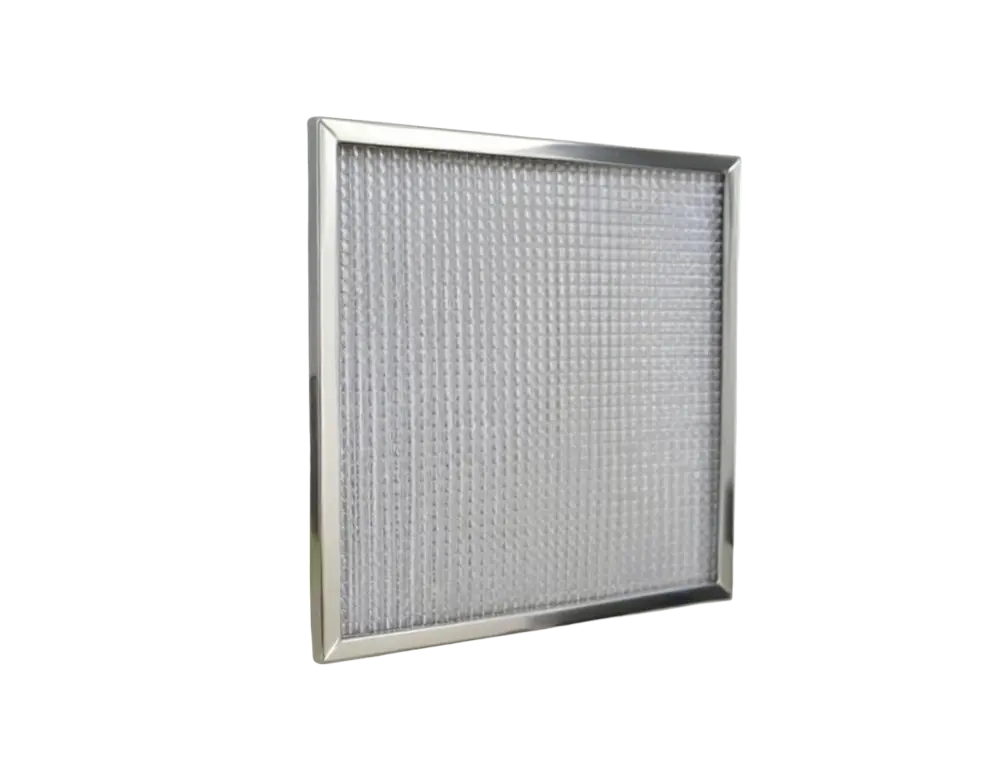
Compact Space-Saving Design
Low-Resistance Airflow
Energy-Saving Operation
Industrial-Grade Heat Tolerance
Built with specialized heat-resistant materials, operating stably up to 250°C for paint ovens, industrial dryers, and high-temperature process environments.
View Related Products →Cut Costs, Reduce Waste
Cleanable by water washing or air blowing, reusable multiple times to significantly reduce replacement frequency and O&M costs — an economical, eco-friendly choice.
View Related Products →Odor & Harmful Gas Removal
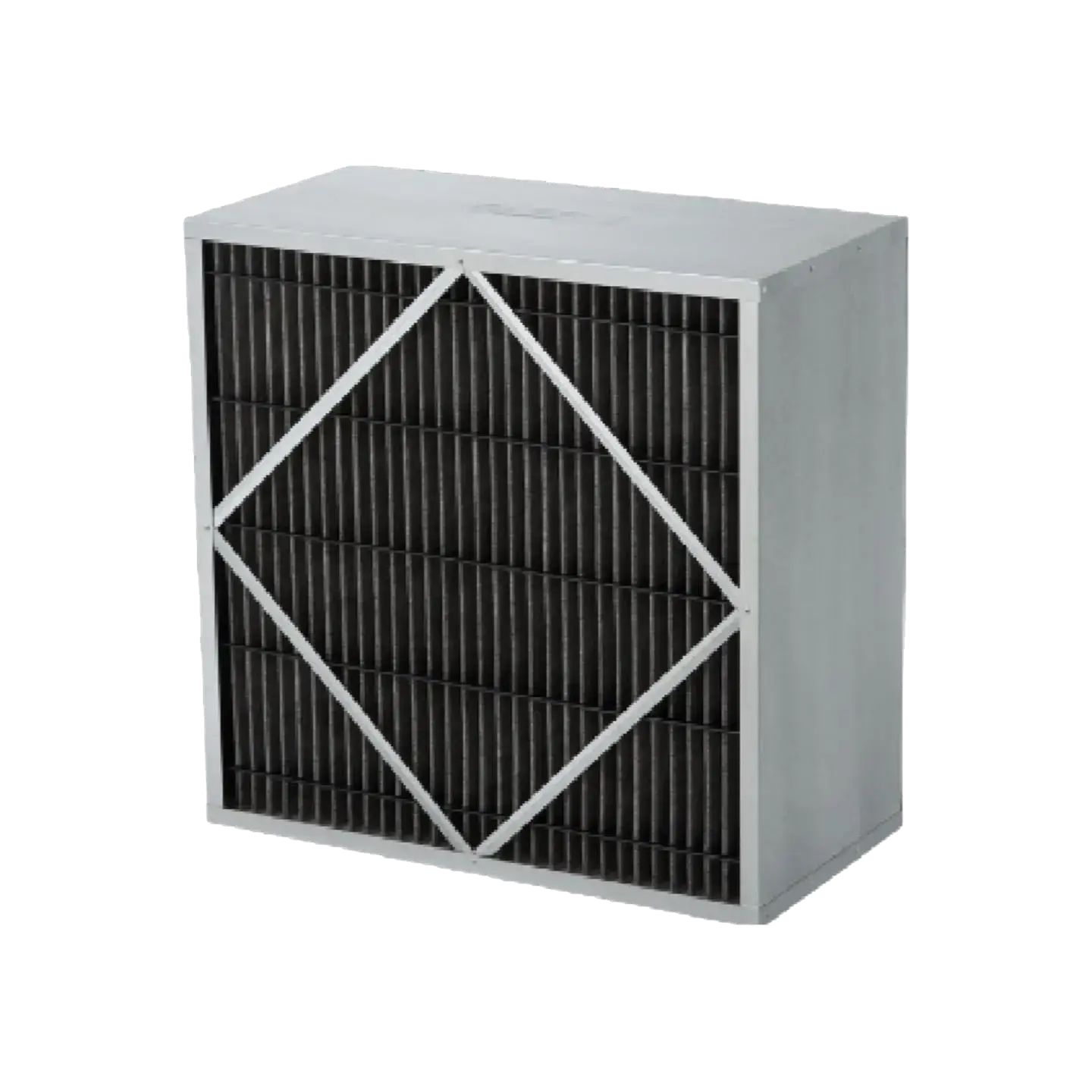
Leverages activated carbon's high adsorption capacity to eliminate odors, VOCs, and formaldehyde, ideal for newly renovated spaces and industrial exhaust treatment.
View Related Products →High Dust-Holding, Long Life
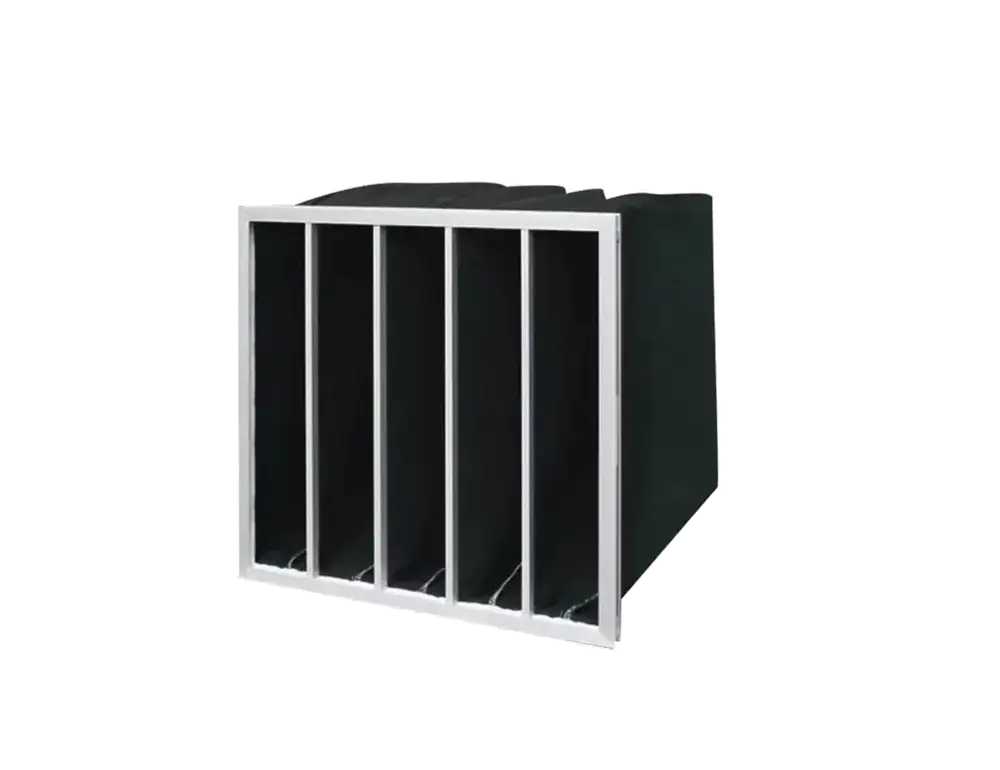
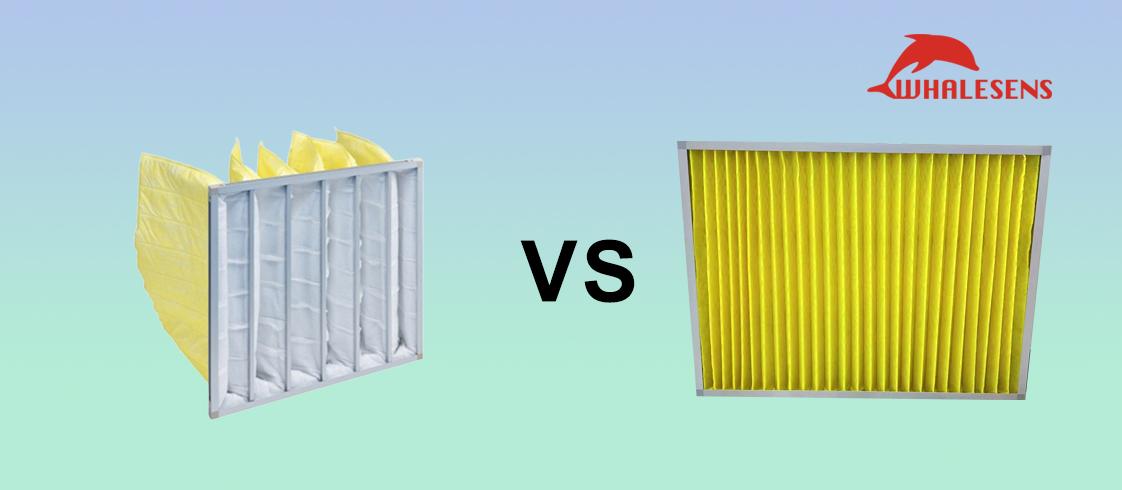
Bag-style construction delivers a larger filtration area, high dust-holding capacity, and extended service life — ideal for high-dust environments with reduced replacement frequency.
View Related Products →Compact Space-Saving Design
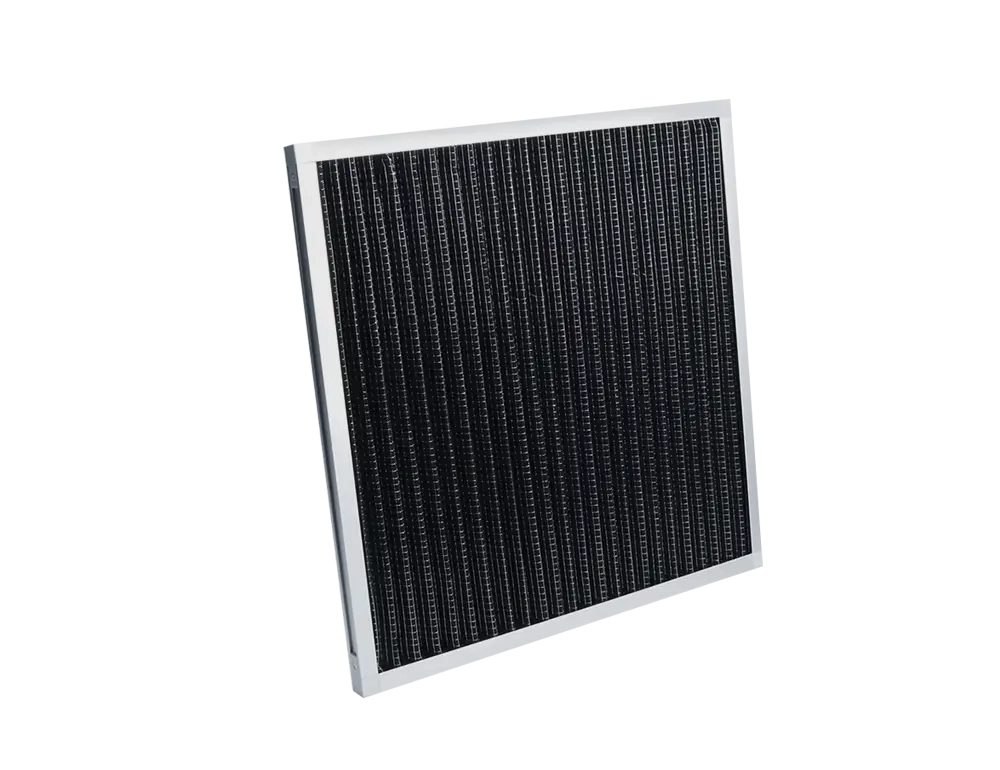
Compact form factor for easy installation and replacement; pleated structure maximizes filtration area within a small footprint for higher efficiency.
View Related Products →Energy-Saving Operation
Low-resistance design minimizes pressure drop while maintaining filtration performance, reducing fan energy consumption for cost-effective, eco-friendly operation.
View Related Products →















 English(Global)
 简体中文
简体中文 Language


Data Center HVAC Air Filter Airflow Direction: Expert Q&A Guide
Correct data center HVAC air filter airflow direction is non-negotiable: 24/7 HVAC reliability directly impacts server uptime, cooling efficiency, and equipment longevity. Below is a data center-specific Q&A collection, tailored to the needs of data center managers, facility engineers, and HVAC contractors specializing in critical infrastructure.
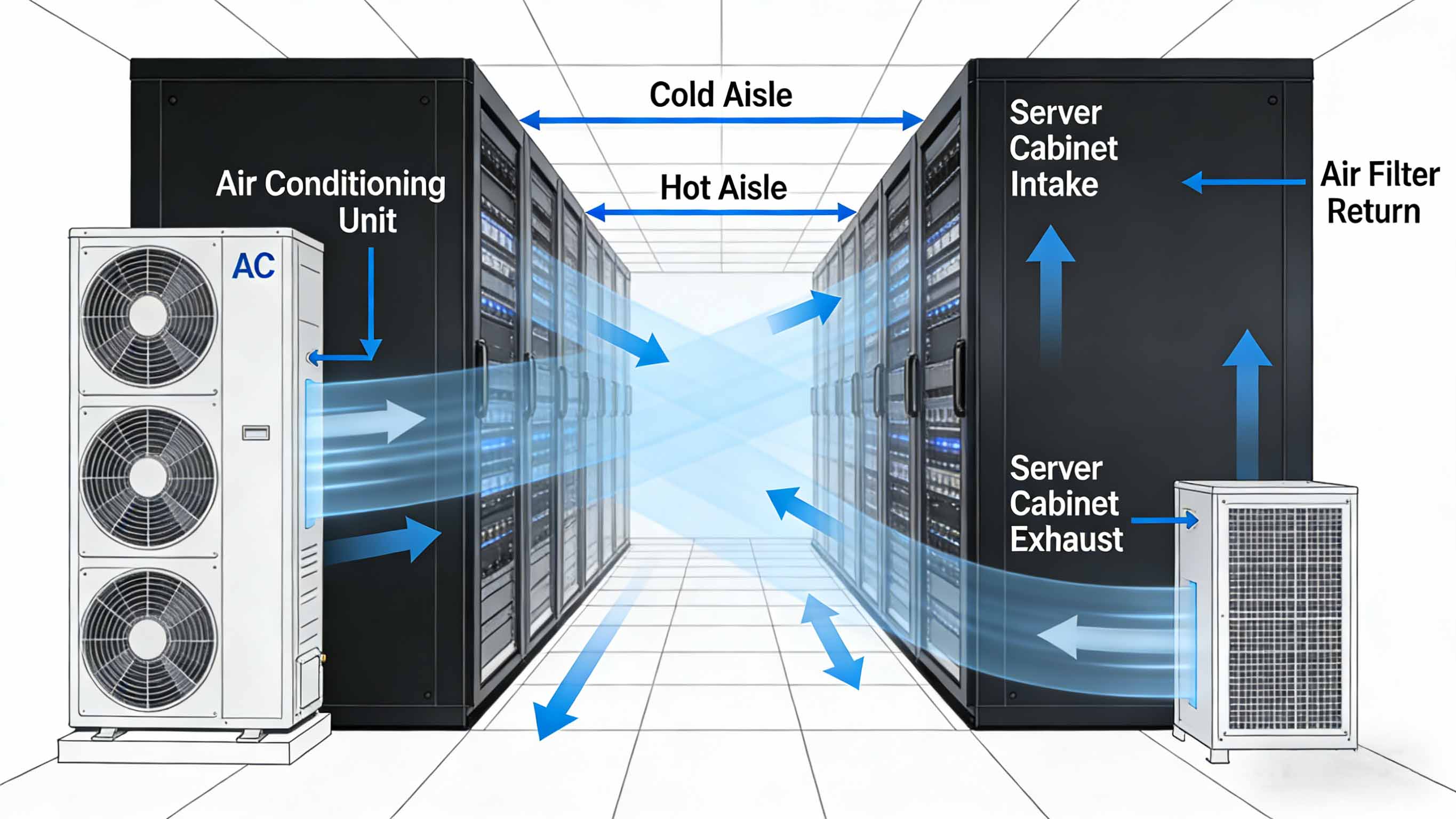
Core Q&A About Data Center HVAC Air Filter Airflow Direction
1. Which direction does air flow go in a data center HVAC/furnace system?
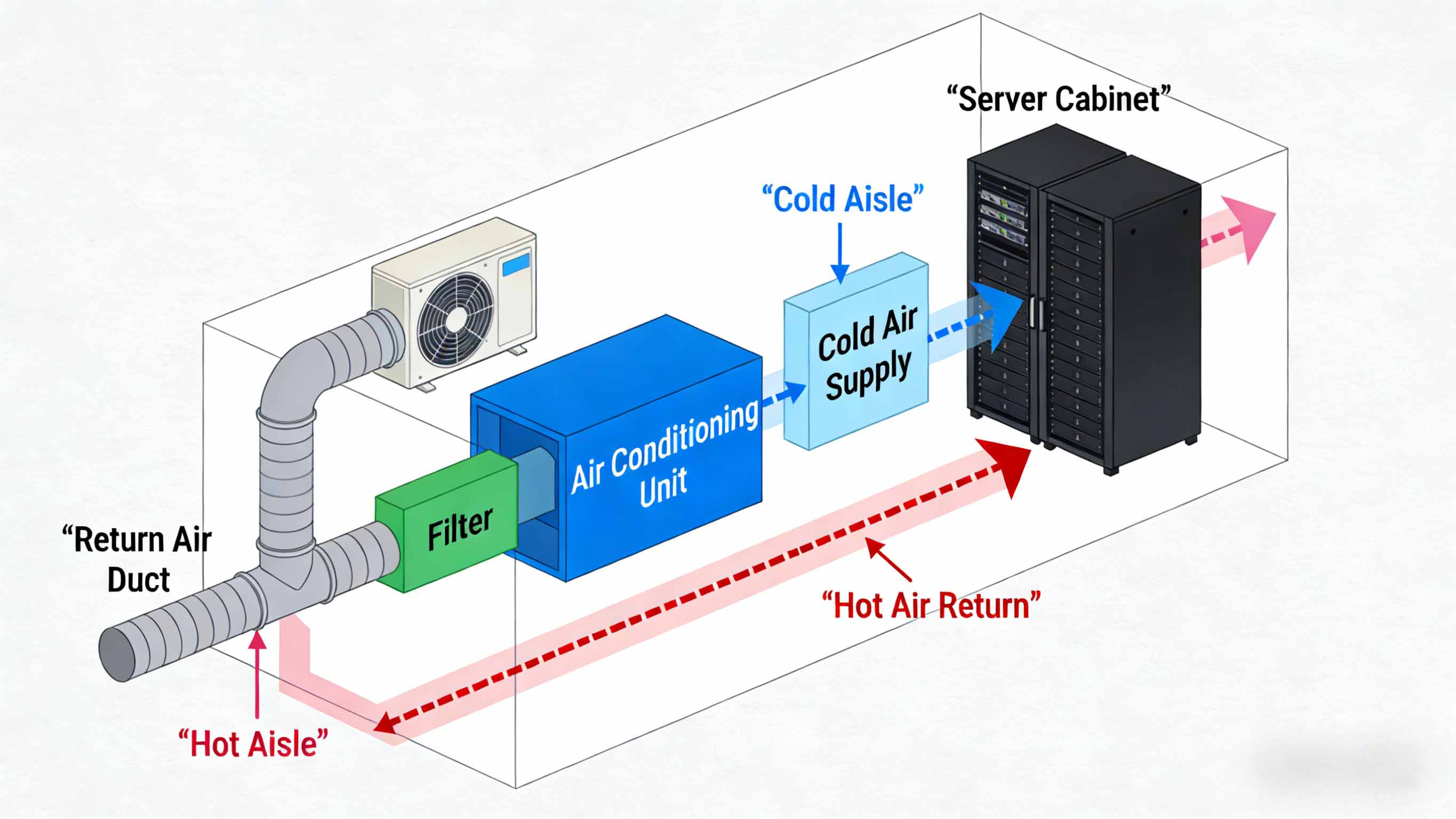
Data center HVAC systems (often CRAH/CRAC units, chilled water systems, or precision air handlers) follow a mission-critical airflow path:
- First, return air (warm, contaminated air from server racks) is pulled through return ducts or underfloor plenums into the HVAC system.
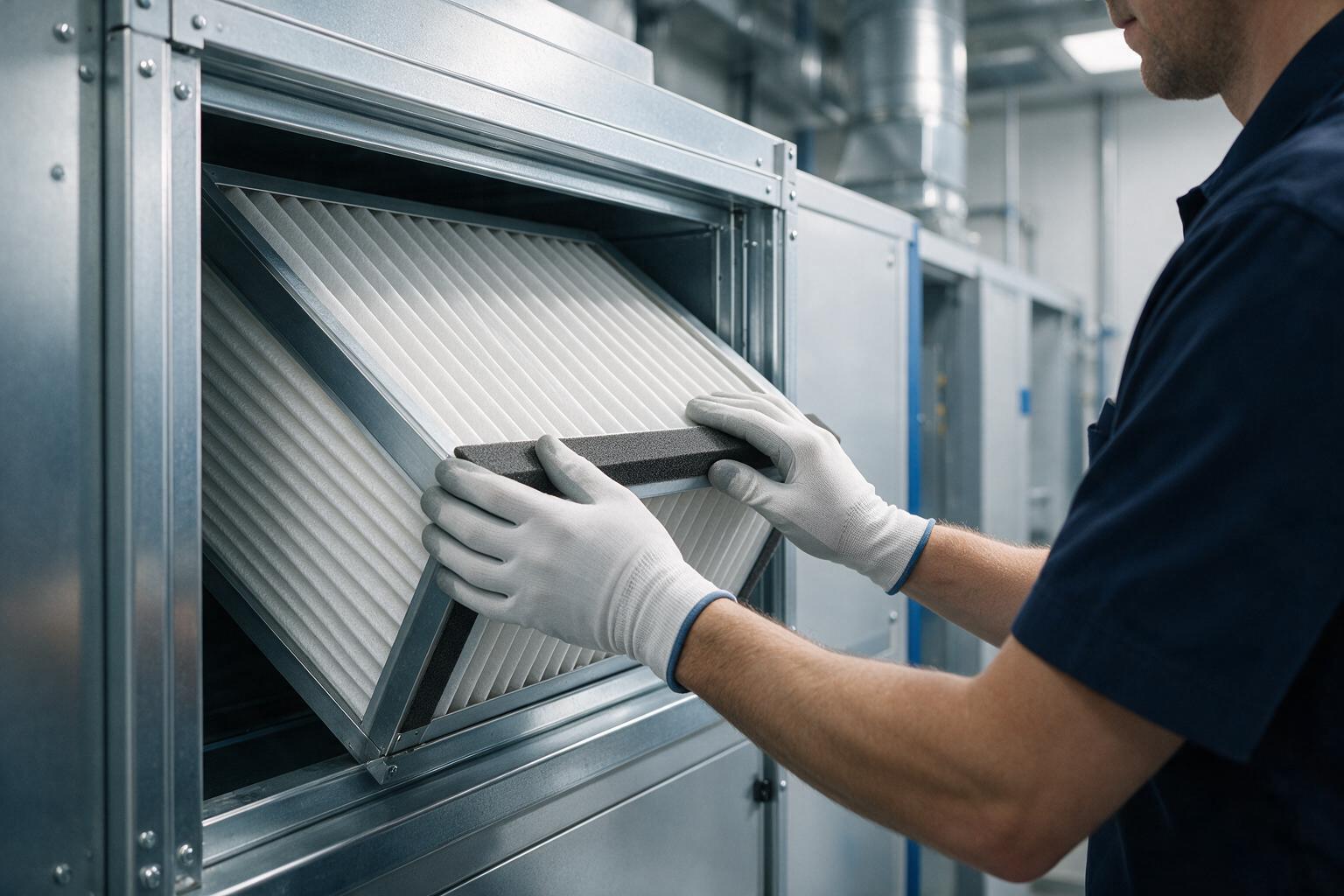
- A critical principle for data centers: The filter media holder is always located on the return air side of the HVAC unit. Its primary job is to protect sensitive data center components—server cooling fans, HVAC blowers, heat exchangers, and precision sensors—from dust, fiber, and particulate buildup (not just improve air quality).
- The air passes through high-efficiency filters (typically MERV 11+) to trap data center-specific contaminants (e.g., server rack debris, cable insulation dust, environmental particles).
- Finally, the filtered, cooled air is distributed via hot-aisle/cold-aisle configurations (or underfloor/overhead ducts) to server racks, maintaining optimal operating temperatures (18-24°C per ASHRAE standards). The filter’s airflow arrow must point toward the HVAC unit/air handler (aligning with air flow), never toward the return air plenum or server racks—directly supporting the filter’s role in protecting critical infrastructure.
2. Why is airflow direction critical for data center HVAC systems?
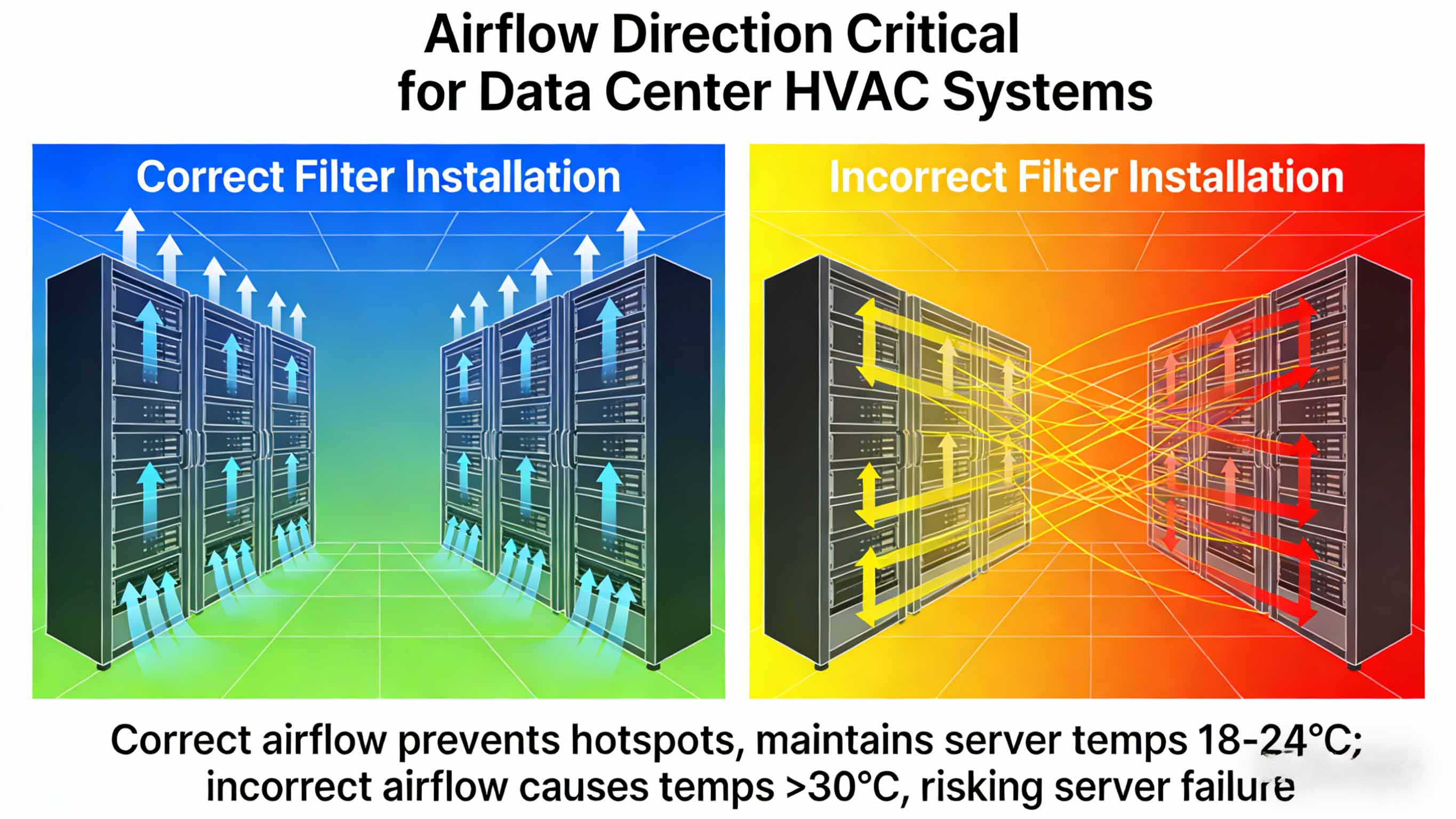
- Compromised server cooling: Restricted airflow increases cold-aisle temperatures, triggering server thermal throttling or shutdowns (even a 1°C overheat can reduce server lifespan by 10%).
- Excessive energy costs: Data centers consume 10-50x more energy than commercial buildings—misaligned filters force HVAC systems to work 30-40% harder, adding thousands in monthly utility bills (e.g., a 1MW data center could see $5000+/month in extra costs).
- Premature equipment failure: Particulate buildup on HVAC blowers, CRAC unit coils, and server fans leads to unplanned downtime—costing $10,000-$100,000+ per hour for enterprise data centers.
- Compliance violations: Fails to meet ISO 14644 (cleanroom standards for data centers) or ASHRAE TC 9.9 guidelines, risking audit failures for regulated industries (finance, healthcare, government).
3. How to identify correct airflow direction on data center-grade filters?
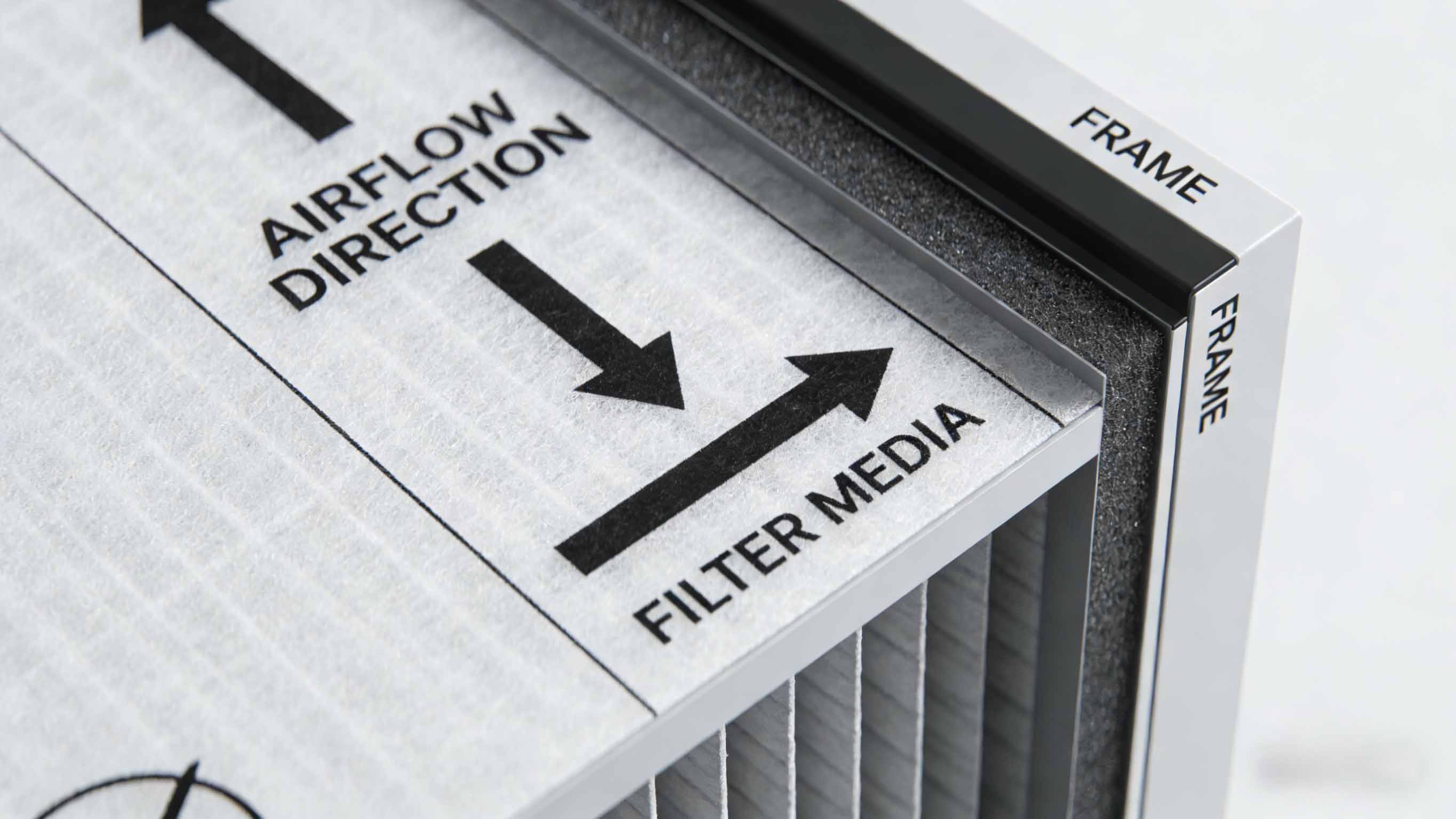
- Bold airflow arrows: Printed on filter frames (often color-coded red for visibility in low-light data center environments), pointing toward the HVAC unit/blower—reinforcing the "protect critical equipment" goal.
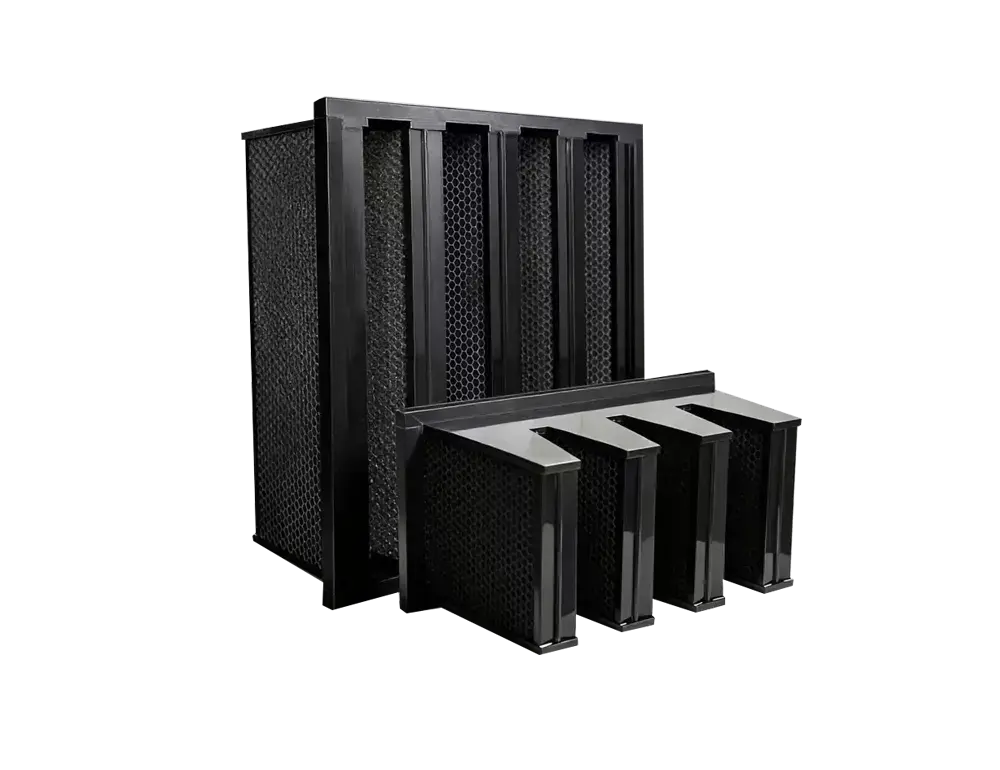
- Structural cues: For high-capacity V-bank or pocket filters (common in large data centers), the denser, rigid media side faces incoming return air; wire mesh supports (if present) are on the downstream side (preventing media collapse under high airflow from data center HVAC systems).
- Data center-specific markings: Filters rated for critical infrastructure may include "RETURN SIDE" (incoming air) or "SYSTEM SIDE" (filtered air) labels, plus MERV/ISO rating callouts to avoid cross-use with commercial filters.
- Supplier documentation: Reputable data center filter suppliers provide installation guides with plenum/duct-specific orientation diagrams (critical for underfloor or overhead airflow setups).
4. What happens if a data center air filter is installed backwards?
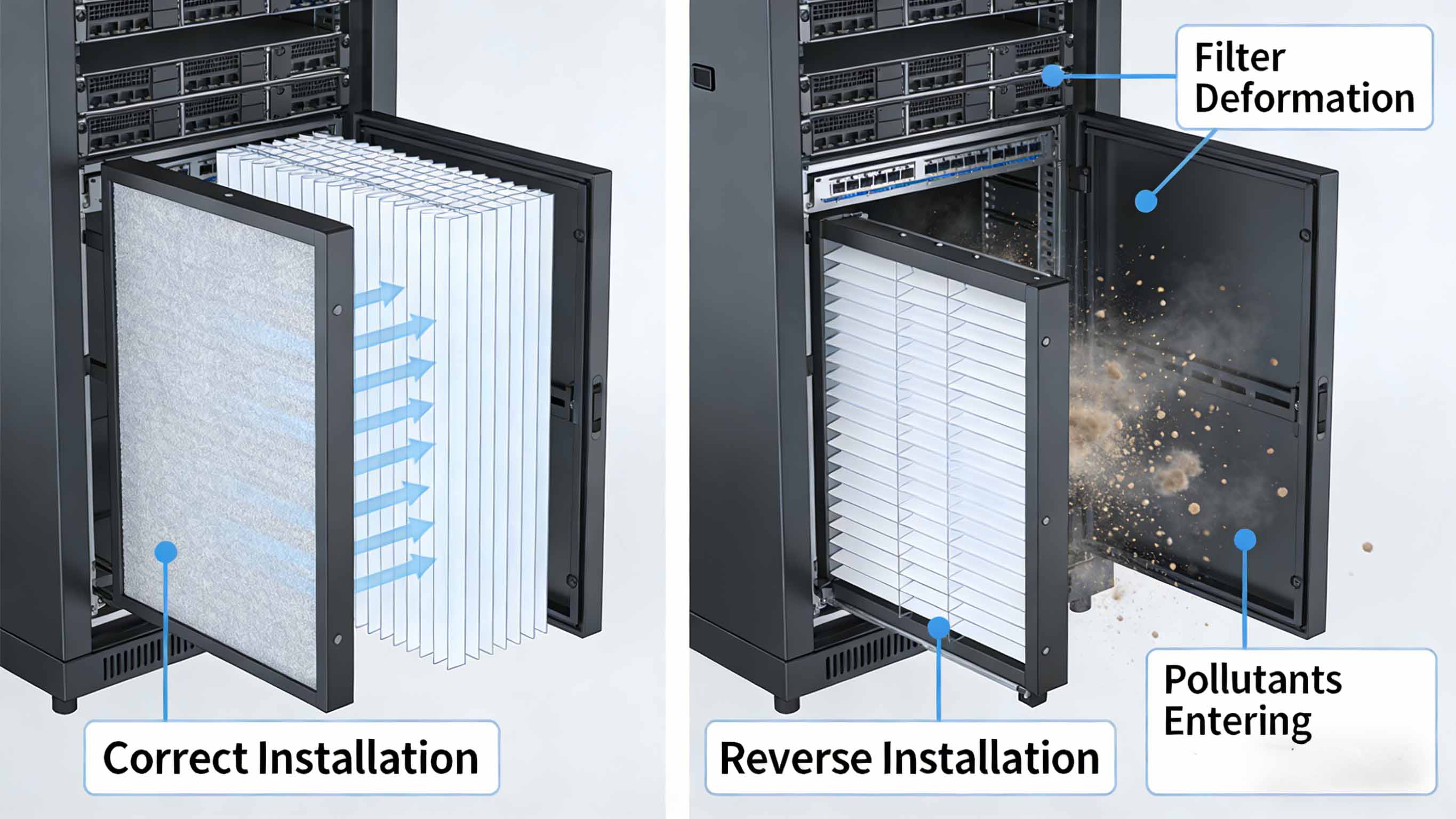
- Filter media collapse: High airflow (up to 5000 CFM per CRAC unit) can tear or compress filter media, allowing unfiltered air to bypass and deposit particulates on server heat sinks (reducing cooling efficiency by 20-30%).
- CRAC unit overheating: Restricted airflow forces precision cooling units to run at maximum capacity, increasing the risk of blower motor burnout or refrigerant leaks—triggering widespread cooling failures.
- Contaminant buildup in plenums: Pollutants accumulate on the wrong side of the filter, eventually being blown into underfloor ducts or server intakes, leading to server hardware degradation.
- Accelerated filter replacement: Reversed filters clog 2-3x faster, requiring more frequent maintenance (disrupting data center operations and increasing labor costs).
5. How to verify airflow direction in data center HVAC systems (plenum/rack-based setups)?
- Tissue test (plenum-safe version): Hold a lightweight, static-free tissue near return air grilles or plenum openings—if pulled toward the duct, it indicates incoming return air (filter arrow points opposite, toward the HVAC unit). Avoid loose materials near server racks (use non-shedding tissues).
- Anemometer + pressure gauge test: Use a data center-grade anemometer to measure air velocity in underfloor plenums; pair with a pressure gauge to confirm positive/negative pressure zones (return air sides have negative pressure relative to the HVAC unit).
- System schematics + BMS data: Cross-reference HVAC engineering drawings (marking return air paths) with Building Management System (BMS) airflow metrics—BMS alerts for "low airflow" often indicate reversed or clogged filters.
- Third-party validation: For Tier 3/Tier 4 data centers, partner with critical infrastructure HVAC contractors to perform annual airflow audits, including filter orientation checks (required for uptime certifications).
6. Do data center-specific filters (V-bank, HEPA) have special airflow requirements?
- V-bank filters: Used in large-scale CRAC/CRAH units, the V-shaped folds must face incoming return air (plenum side) to maximize surface area contact—critical for handling high airflow without pressure drop. The airflow arrow aligns with the direction of air through the V-folds (toward the unit), and folds must be unobstructed (avoiding underfloor cable runs that block airflow).
- HEPA/ULPA filters: Used in cleanroom-grade data centers (e.g., colocation facilities), the sealed gasket side must face the HVAC unit, and the airflow arrow points toward the supply air plenum—any misalignment compromises the filter’s ability to trap sub-micron particles (e.g., 0.3μm dust).
- Underfloor filters: Designed for raised-floor data centers, these filters must be installed with the arrow pointing upward (toward the server rack intakes), as return air is pulled upward through the floor—reverse installation blocks cold air distribution.
7. How often should data centers check filter airflow direction?
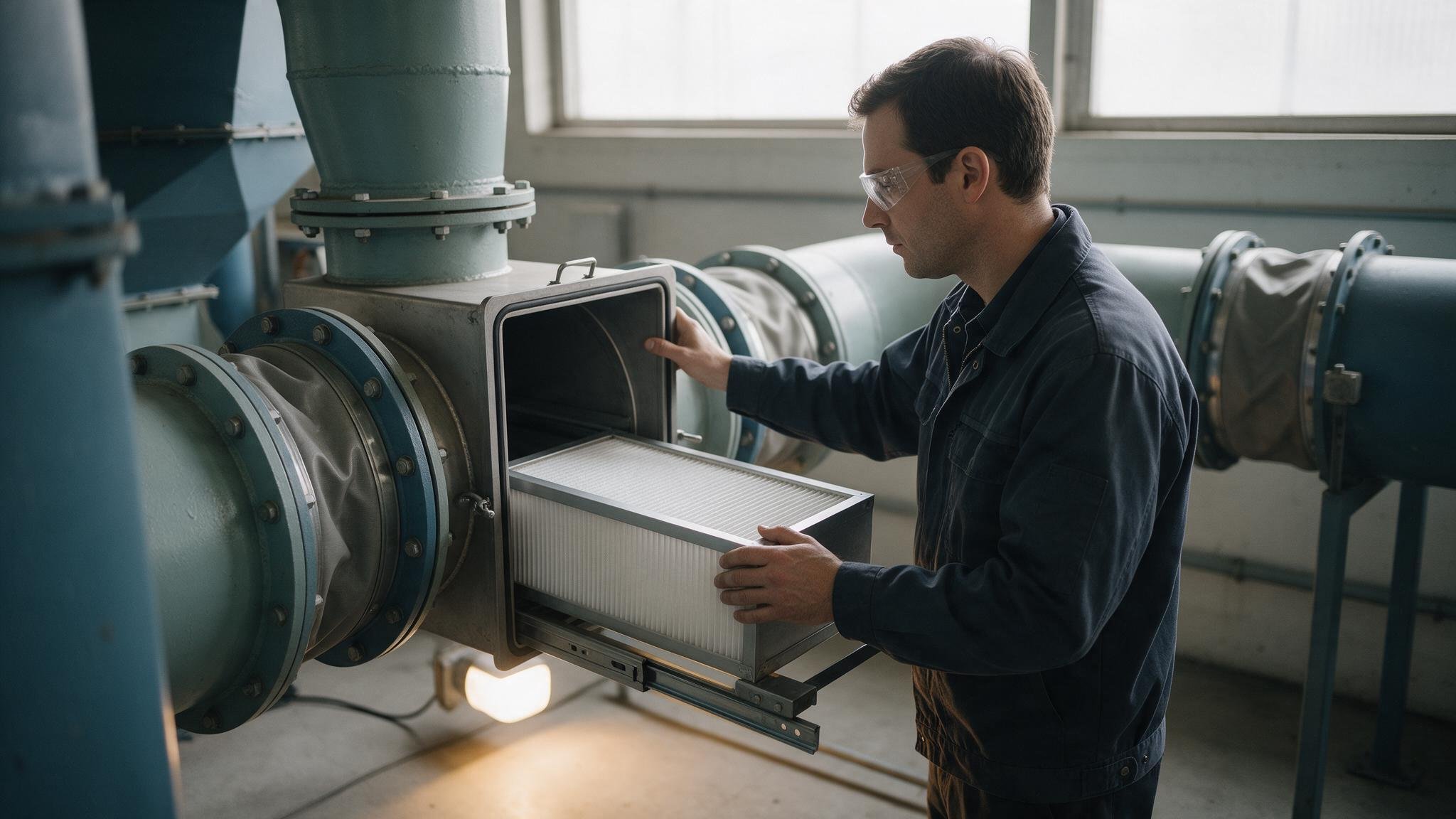
- Every filter replacement: Data center filters are replaced every 1-6 months (depending on particle load), so verify data center HVAC air filter airflow direction each time—critical for teams rotating maintenance staff or working with contract cleaners.
- After BMS alerts: Any "low airflow," "high pressure drop," or "temperature deviation" alert from the BMS should trigger an immediate airflow direction check (reversed filters are a top cause of these issues).
- Post-maintenance/renovation: After duct adjustments, plenum cleaning, or server rack reconfigurations, recheck filter orientation—changes to airflow paths can misalign filters with the return air side.
- Quarterly compliance audits: Include filter direction checks in quarterly ISO 14644 or Tier certification audits to maintain uptime guarantees.
8. Can using the wrong filter type impact data center airflow direction?
- Using commercial-grade (MERV < 11) filters in data centers disrupts airflow, even if oriented correctly—their media density is too low for high-CFM data center HVAC systems, leading to uneven cooling.
- Oversized/undersized filters create gaps in plenum housings, allowing unfiltered air to bypass (exposing servers to contaminants) regardless of direction.
- Mixing filter types (e.g., HEPA in a V-bank housing) alters pressure drop, forcing the HVAC system to compensate—leading to airflow reversal in extreme cases.
- Always use filters specified by the data center HVAC OEM (e.g., MERV 13+, ISO 8, or ULPA 15) and matched to plenum/duct dimensions to ensure proper airflow and equipment protection.
Data Center-Specific Best Practices for Airflow Direction Compliance
- Train critical infrastructure teams: Provide hands-on training for maintenance staff on the "filter protects servers" principle, with focus on plenum/underfloor orientation—include cheat sheets in HVAC rooms and plenum access points.
- Label filter housings + plenums: Mark data center-specific labels: "RETURN AIR (PLENUM SIDE) → FILTER ARROW → CRAC UNIT" on all filter housings, plus color-coded tape (e.g., red for return side, green for system side) to standardize installation.
- Partner with data center-focused suppliers: Source filters from vendors specializing in critical infrastructure—look for features like anti-microbial media (to prevent mold in humid data centers) and clear airflow indicators.
- Integrate with BMS: Configure the Building Management System to flag "abnormal pressure drop" or "airflow reversal" events, which often indicate reversed or clogged filters—enabling proactive maintenance.
- Document for compliance: Maintain detailed records of filter replacements, airflow checks, and BMS alerts to meet Tier certification and regulatory requirements (e.g., HIPAA, GDPR for data centers handling sensitive data).
Whalesens Technology — Experience the Future of Air Purification
- ✅ Free Technical Consultation: Expert guidance on the latest technologies and applicability.
- ✅ Customized Solutions: Tailored filter systems designed for your specific needs.
🔍 Common Air Filter Types
- Bag Filters : Remove medium to large particles such as dust and pollen; ideal for livestock farms, industrial facilities, and schools.
- Panel Filters : Serve as primary or medium-efficiency filters to protect equipment and extend the life of high-efficiency filters.
- HEPA Filters : Capture PM2.5, pollen, bacteria, and most airborne particulates; perfect for classrooms, laboratories, and medical environments.
- Activated Carbon Filters : Remove gaseous pollutants, odors, and volatile organic compounds; suitable for food processing, livestock, and enclosed spaces.
🔍 Explore More Articles
- Application of Air Filters in Modern Pig Farms
- Air Filtration in Schools: A Comprehensive Guide
- Case Study: Air Filtration Solutions for Semiconductor Cleanrooms
Learn more about our innovative technologies:
- 🌐 Official Website: www.whalesens.com
- 📞 WhatsApp: (+86) 13119189886
- 📧 Email: whalesens@gmail.com
Need a custom air filtration solution?
Contact the Whalesens engineering team for product selection and OEM/ODM support.
Email whalesens@gmail.com